
MelBet Bangladesh Withdrawals – How to Cash Out Your Winnings
Melbet withdrawals follow a clear and secure process for users in Bangladesh. You can request payouts in BDT through supported payment methods, with transparent limits and status tracking. The procedure works on both desktop and mobile devices, so access stays flexible. Processing speed depends on the selected method, while verification checks protect every transaction.
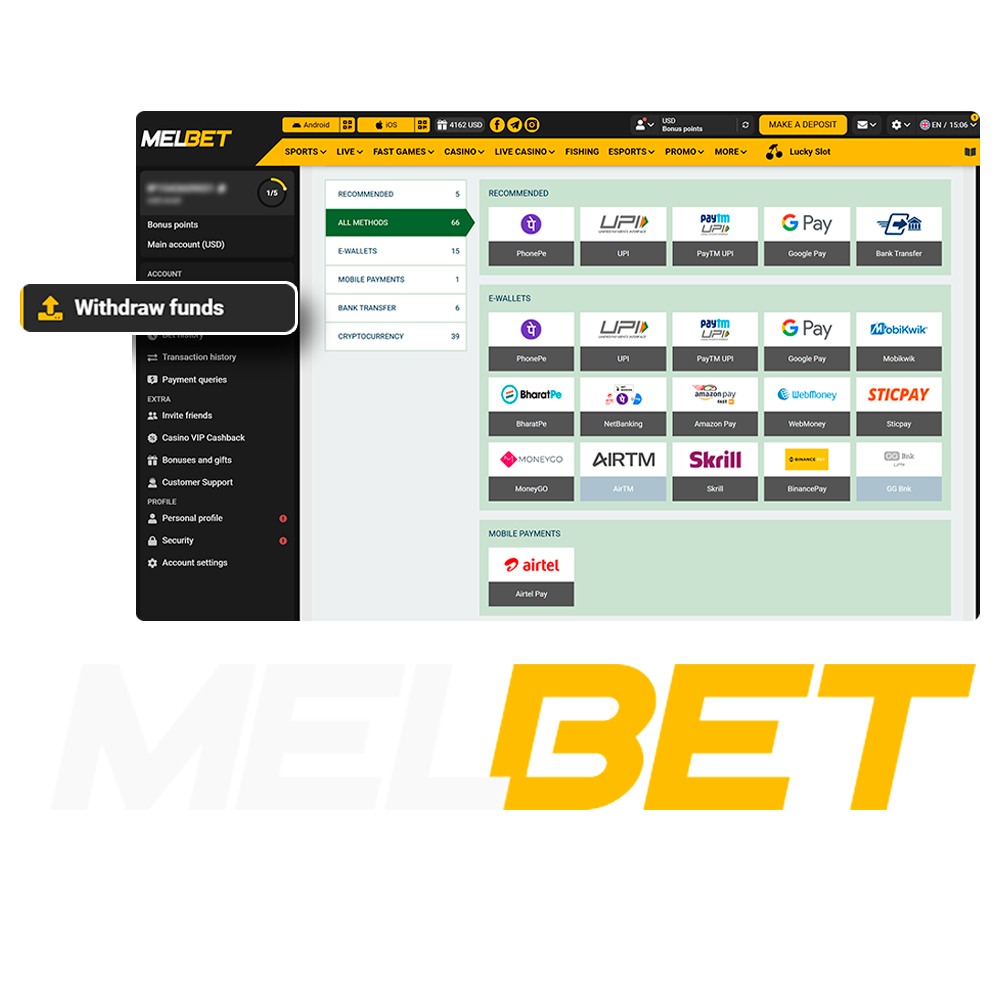
Available Withdrawal Methods in Bangladesh
We support several withdrawal options so you can cash out winnings in BDT with clear limits and predictable processing times. Each method shows available amounts and conditions inside your account before confirmation.
| Withdrawal Method | Minimum Withdrawal | Maximum Limit | Processing Time | Fees | Supported Currency |
|---|---|---|---|---|---|
| bKash | BDT 500 | BDT 20,000 | Up to 24 hours | None | BDT |
| Nagad | BDT 500 | BDT 20,000 | Up to 24 hours | None | BDT |
| UPay | BDT 300 | BDT 20,000 | Up to 24 hours | None | BDT |
| Skrill | BDT 770 | BDT 7,700,000 | Up to 24 hours | None | BDT |
| SticPay | BDT 1,500 | No Limit | Up to 24 hours | None | BDT |
| Cryptocurrency | BDT 500 | No Limit | Network dependent | Network fees | BTC, ETH, USDT |
Availability and MelBet withdrawal limits may vary by account status and completed verification.
How to Withdraw Money from MelBet Bangladesh
Cashout requests run through your personal cabinet and follow a clear sequence. After logging in, you select a payout method, enter the amount, and confirm. Status updates appear inside your account.
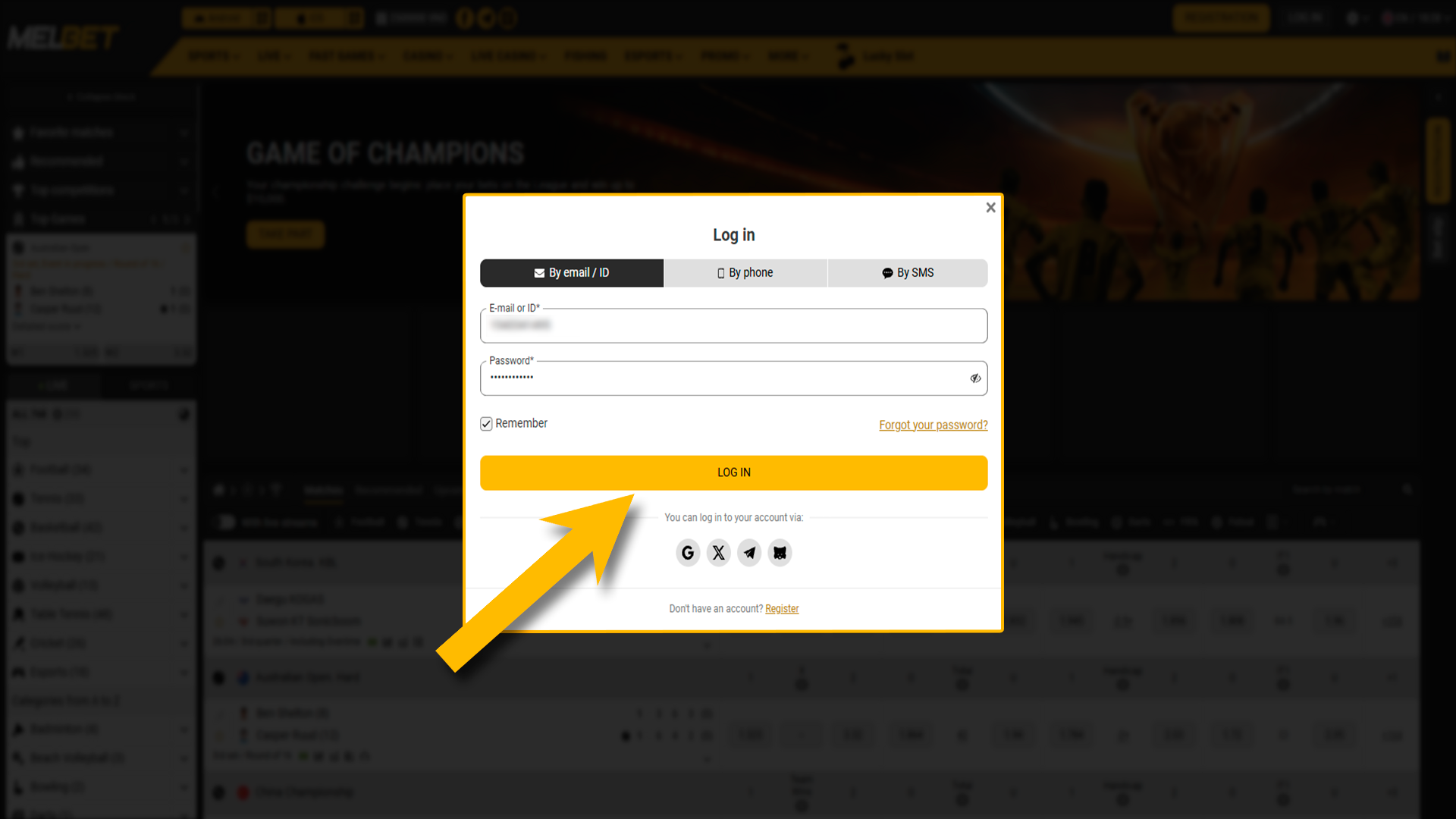
Log In to Your Account
Sign in with your details to access account functions and payment tools.
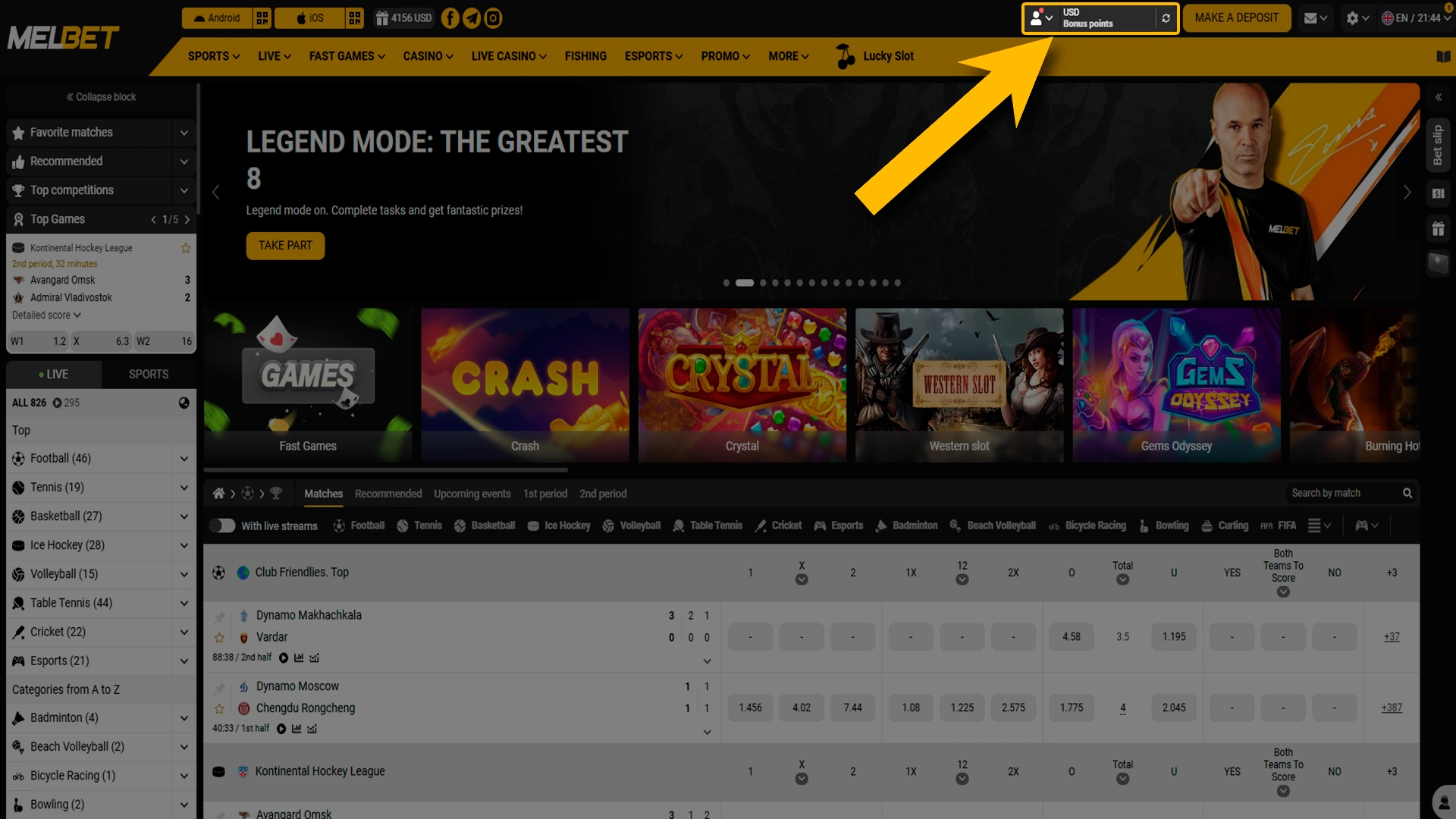
Open the Profile Section
Go to your account menu and enter the profile area, where balance details and payment actions are available.
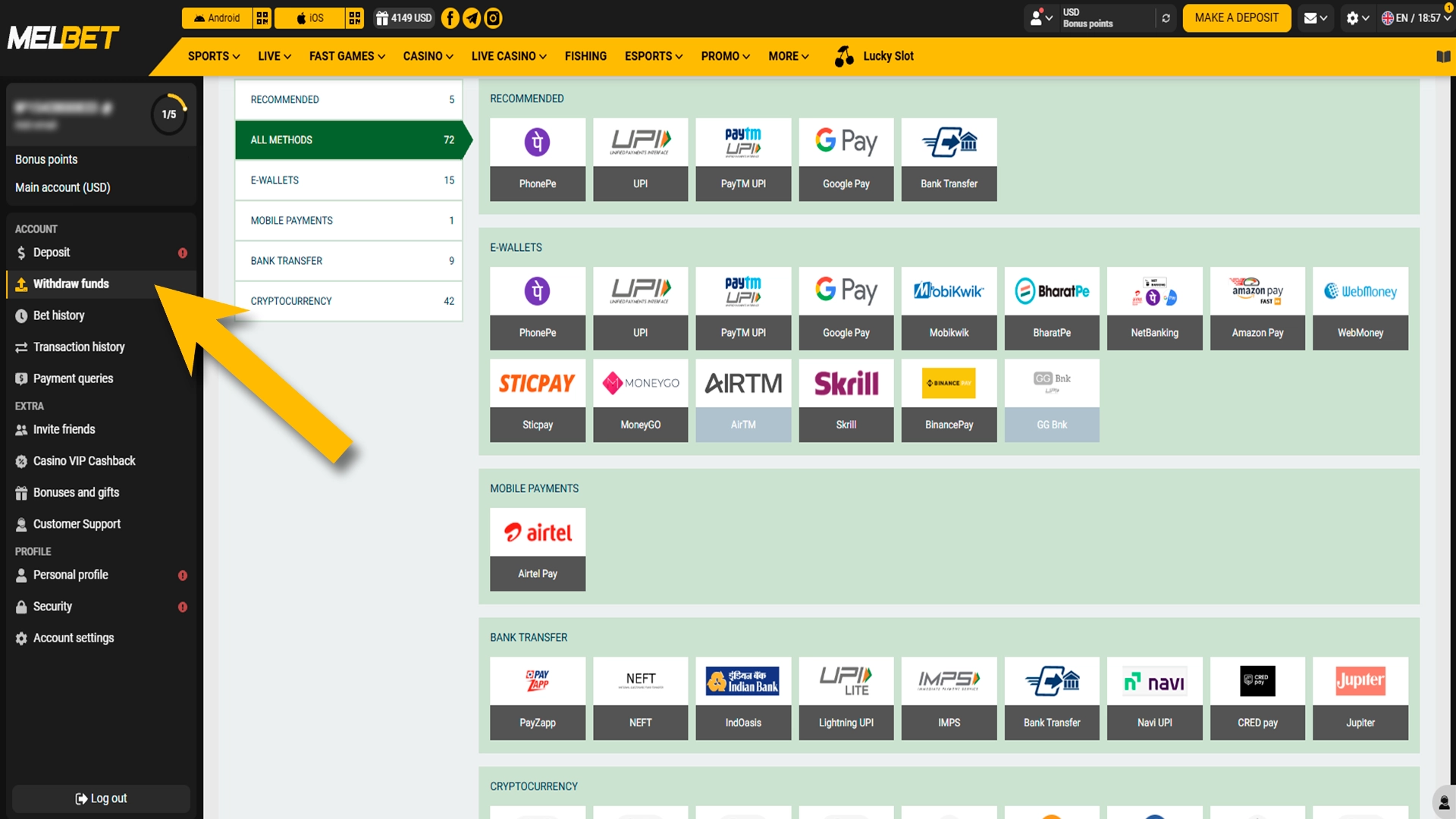
Choose the Withdrawal Option
Select Withdraw Funds to view supported payout methods, limits, and processing details for your account.
Select Method and Amount
Select method and amount. Pick a preferred payment option such as bKash, Nagad, or cryptocurrency, enter the withdrawal amount in BDT, and review the limits shown on screen.
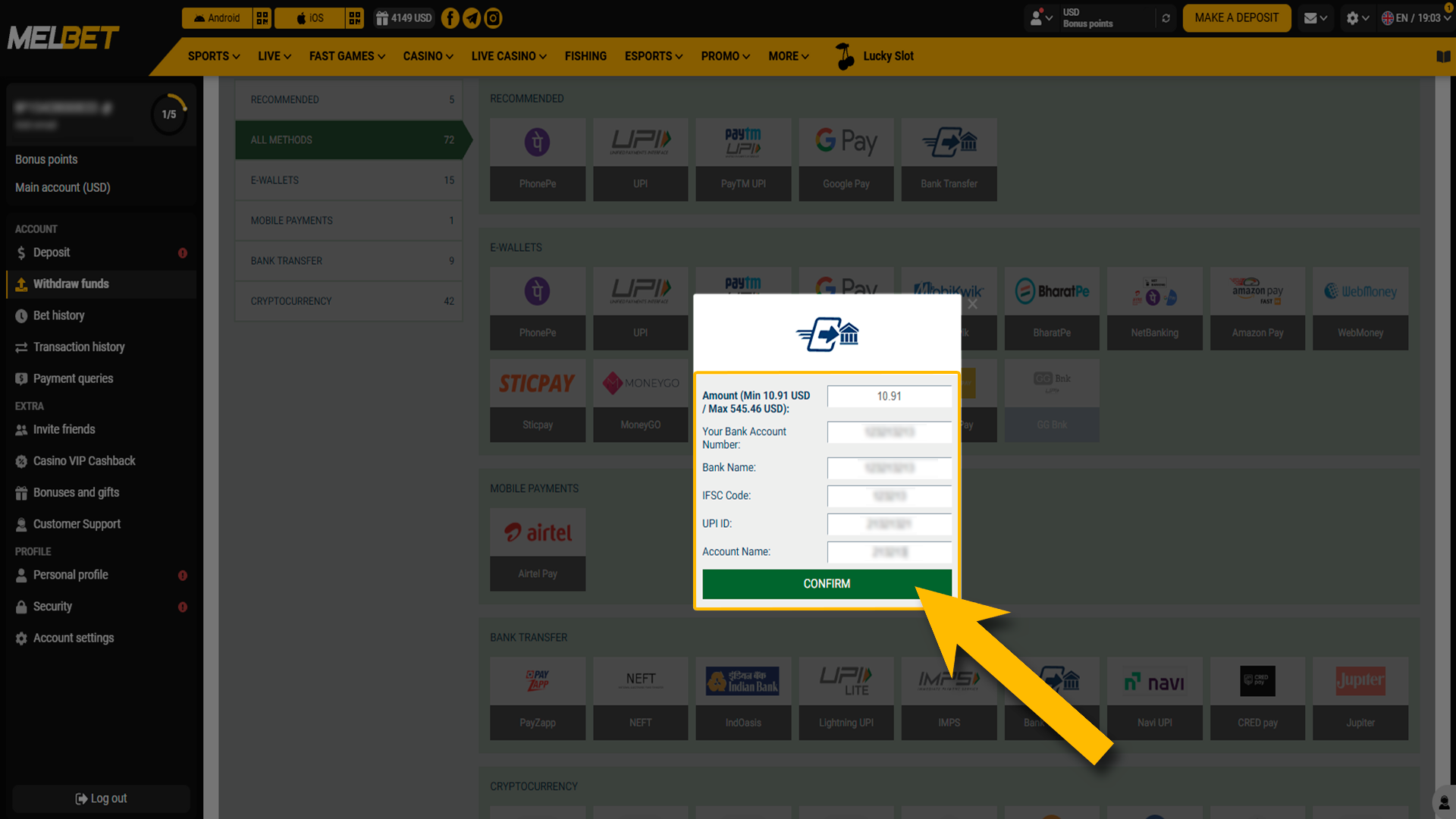
Confirm the Request
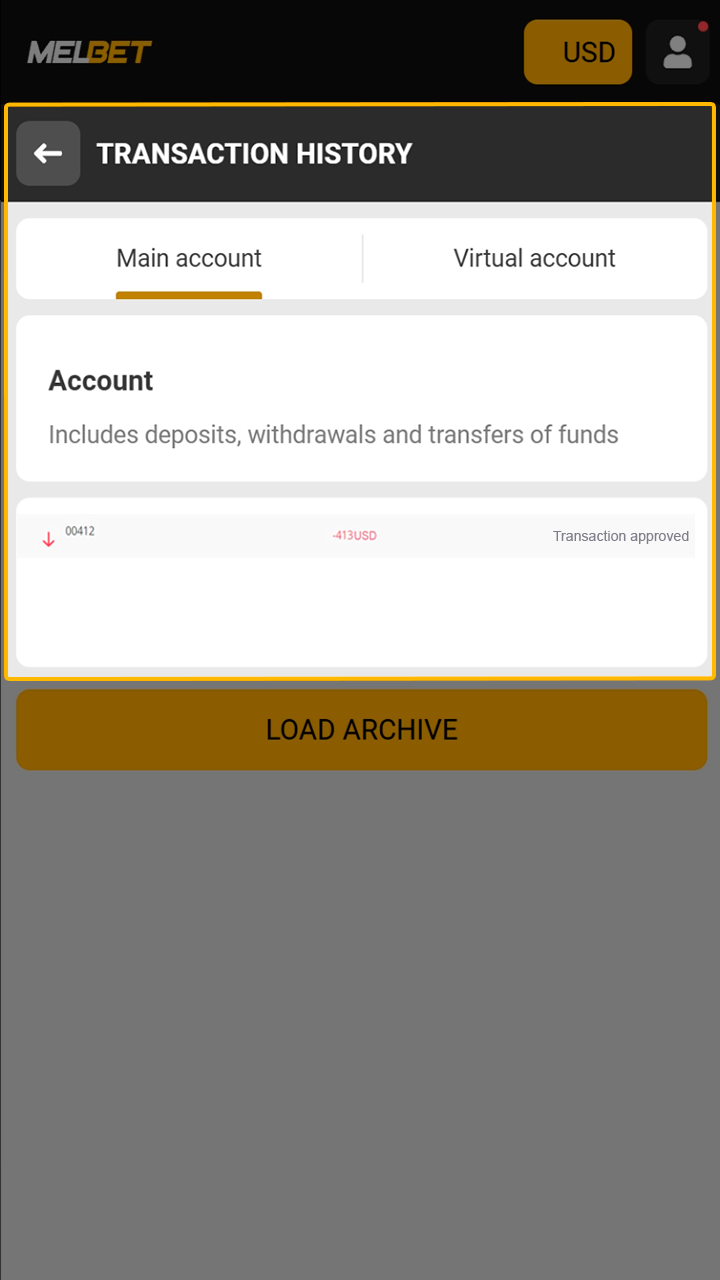
Submit the payout request and monitor its progress from the transaction history section.
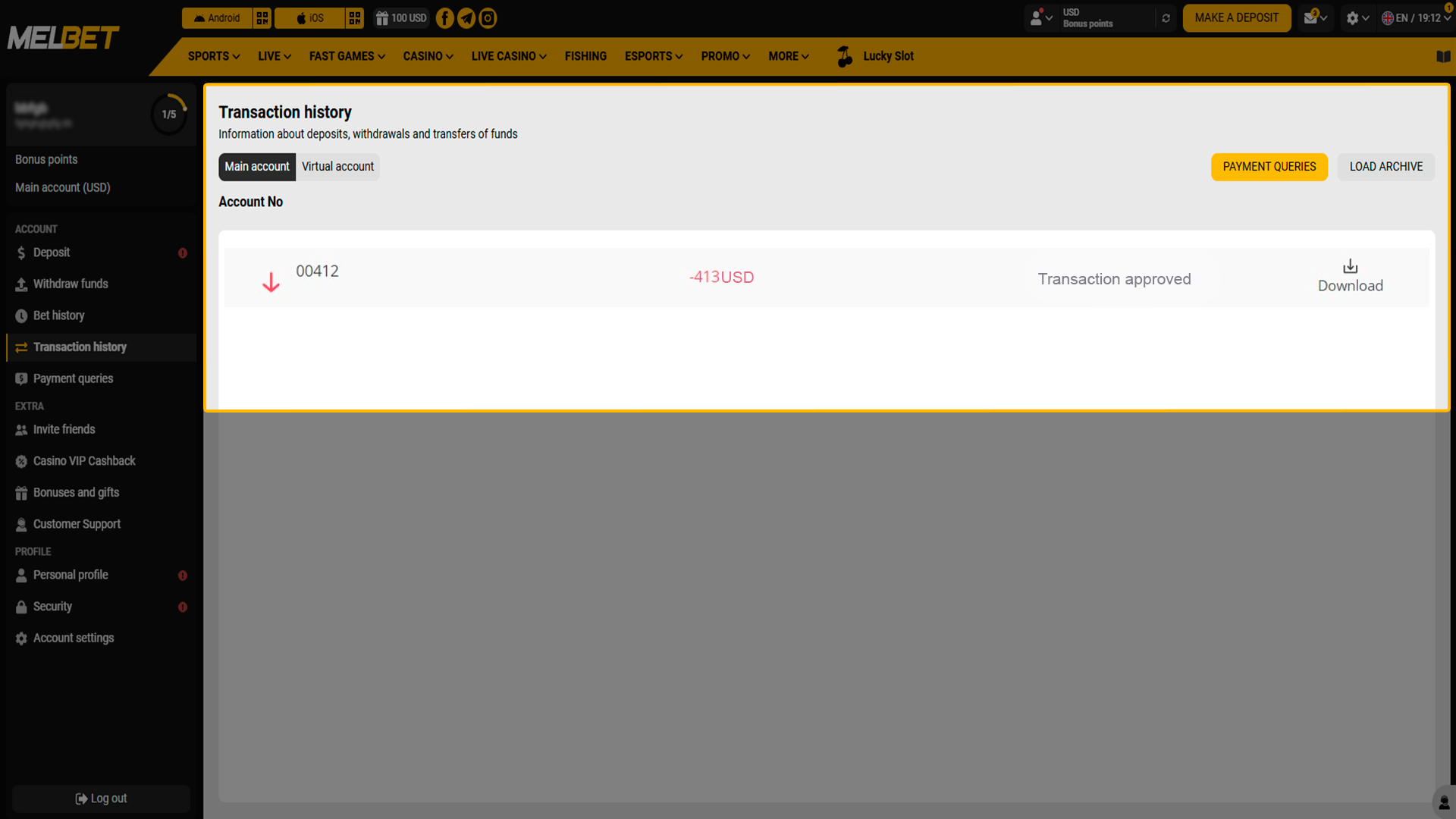
How to Withdraw Money from MelBet via Mobile App
Withdrawing funds through the mobile application takes only a few actions inside your account. The process mirrors the website flow and keeps all payout details visible on screen.
Log In Using the Mobile App
Open the app on your phone and enter your account details. Access to withdrawal tools appears after successful login.
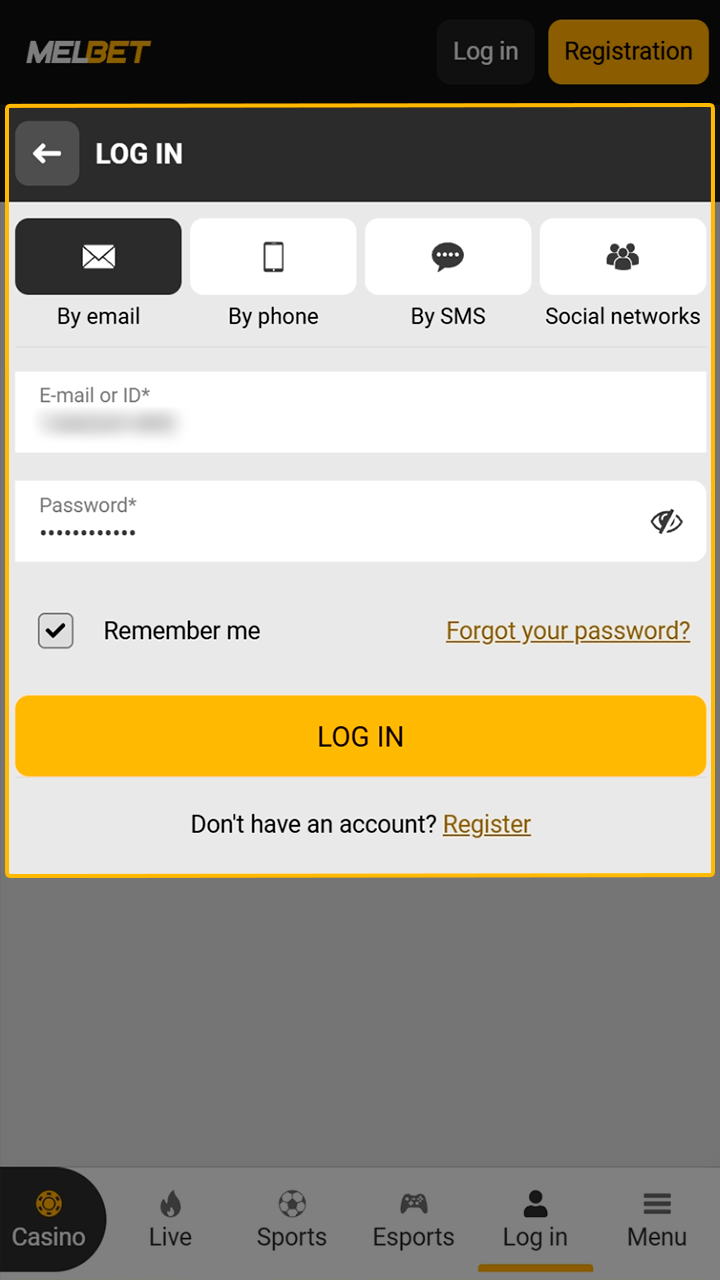
Open Your Profile Section
Tap the account icon on the main screen to enter your profile, where balance and payment options are listed.
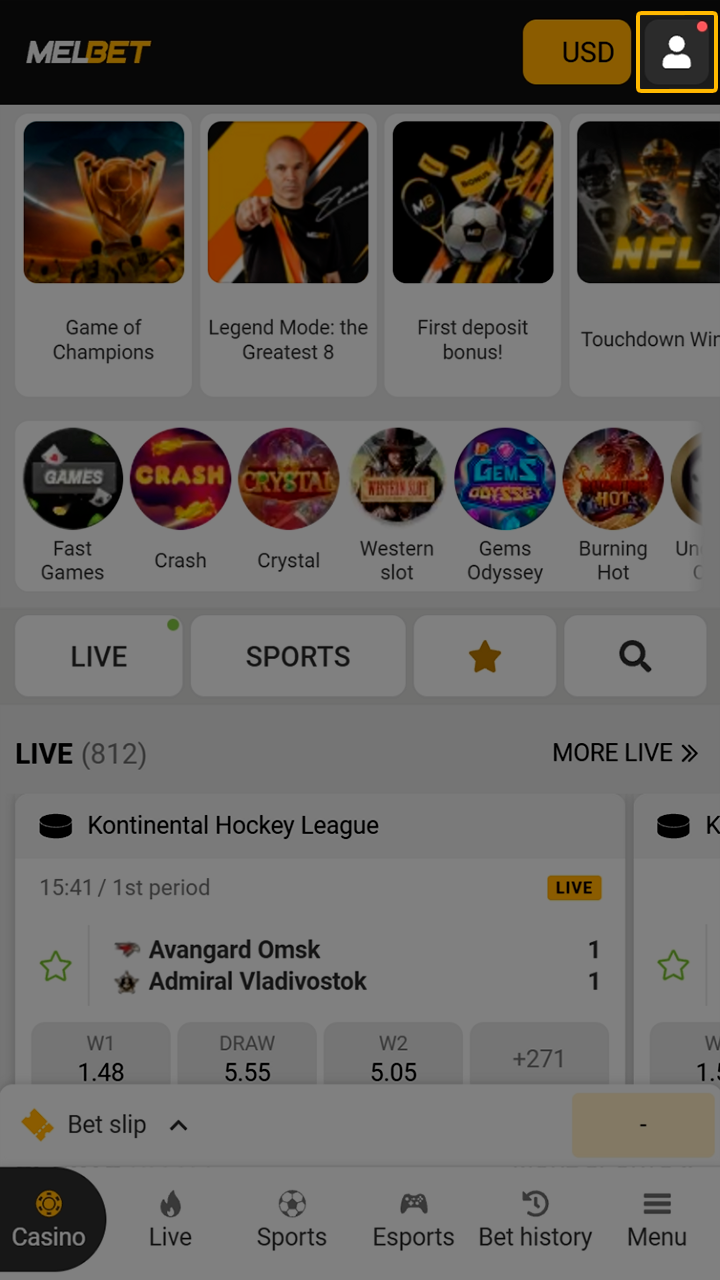
Select the Withdrawal Option
Choose Withdraw Funds from the menu to view available payout methods and current limits.
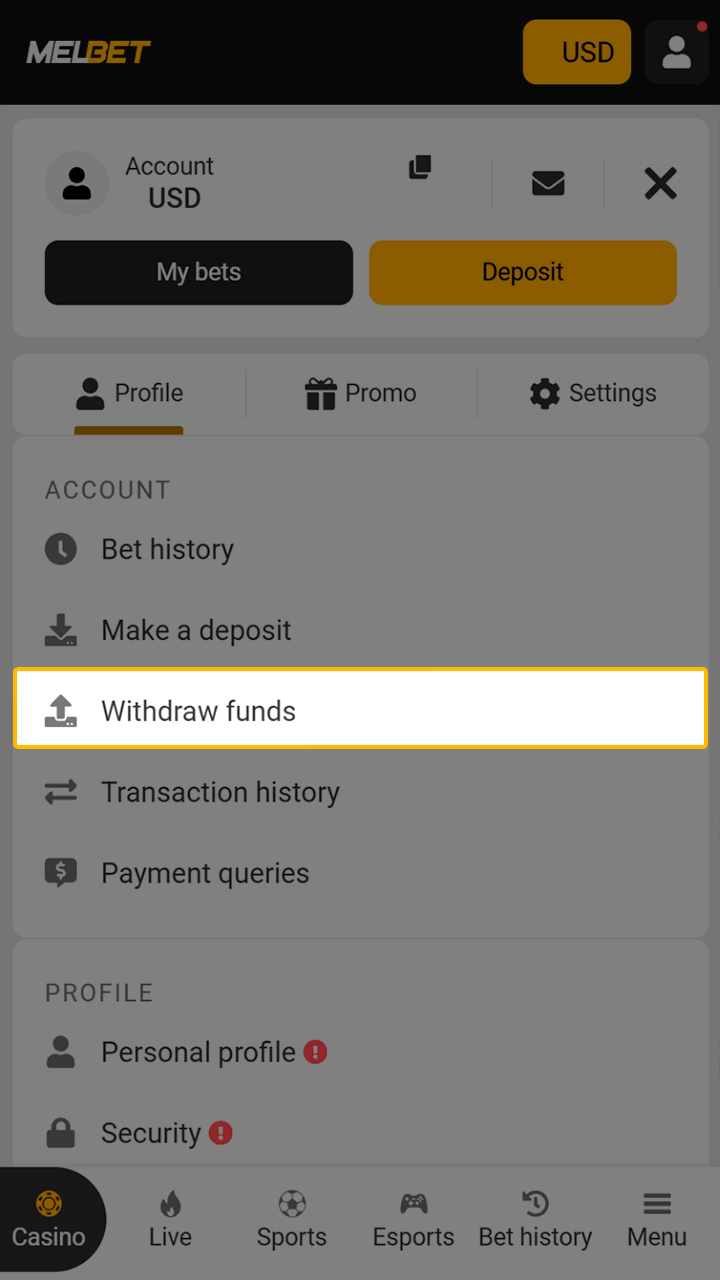
Choose a Method and Enter an Amount
Choose a method and enter an amount. Select bKash, Nagad, UPay, or another payment option, enter the withdrawal amount in BDT, and review transaction details.
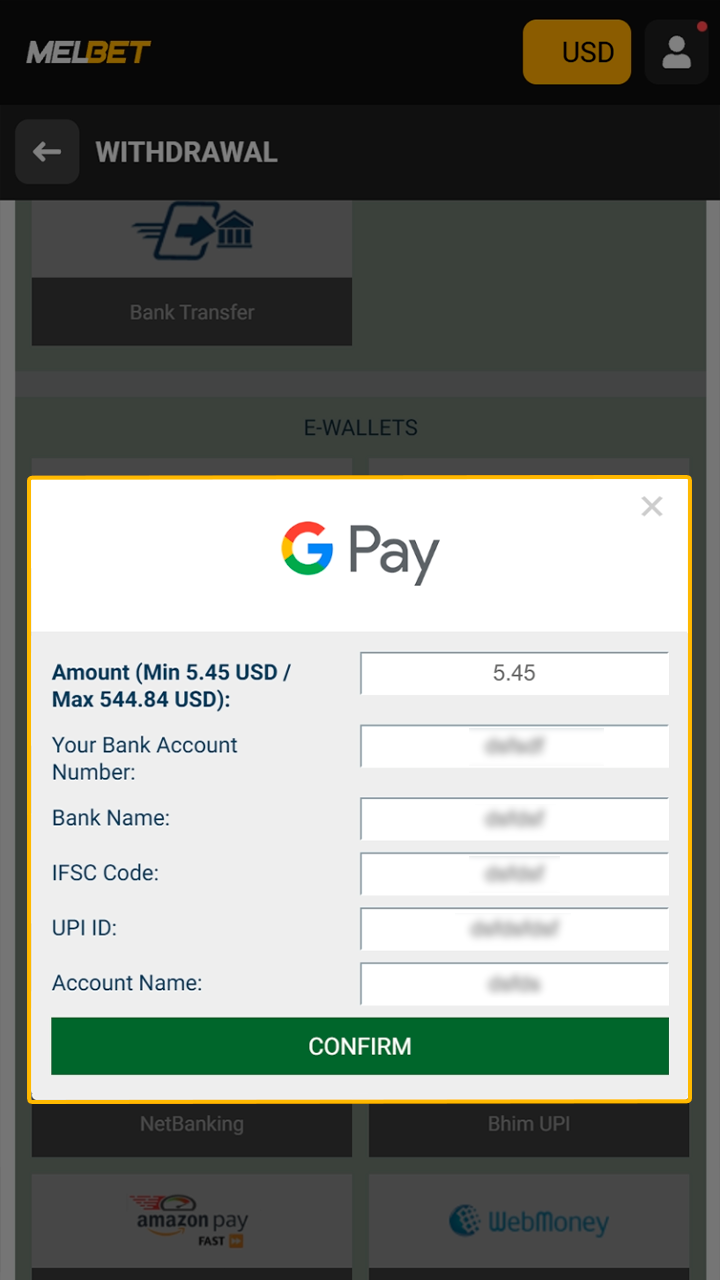
Confirm the Payout Request
Submit the request and track its status directly inside the app until processing completes.
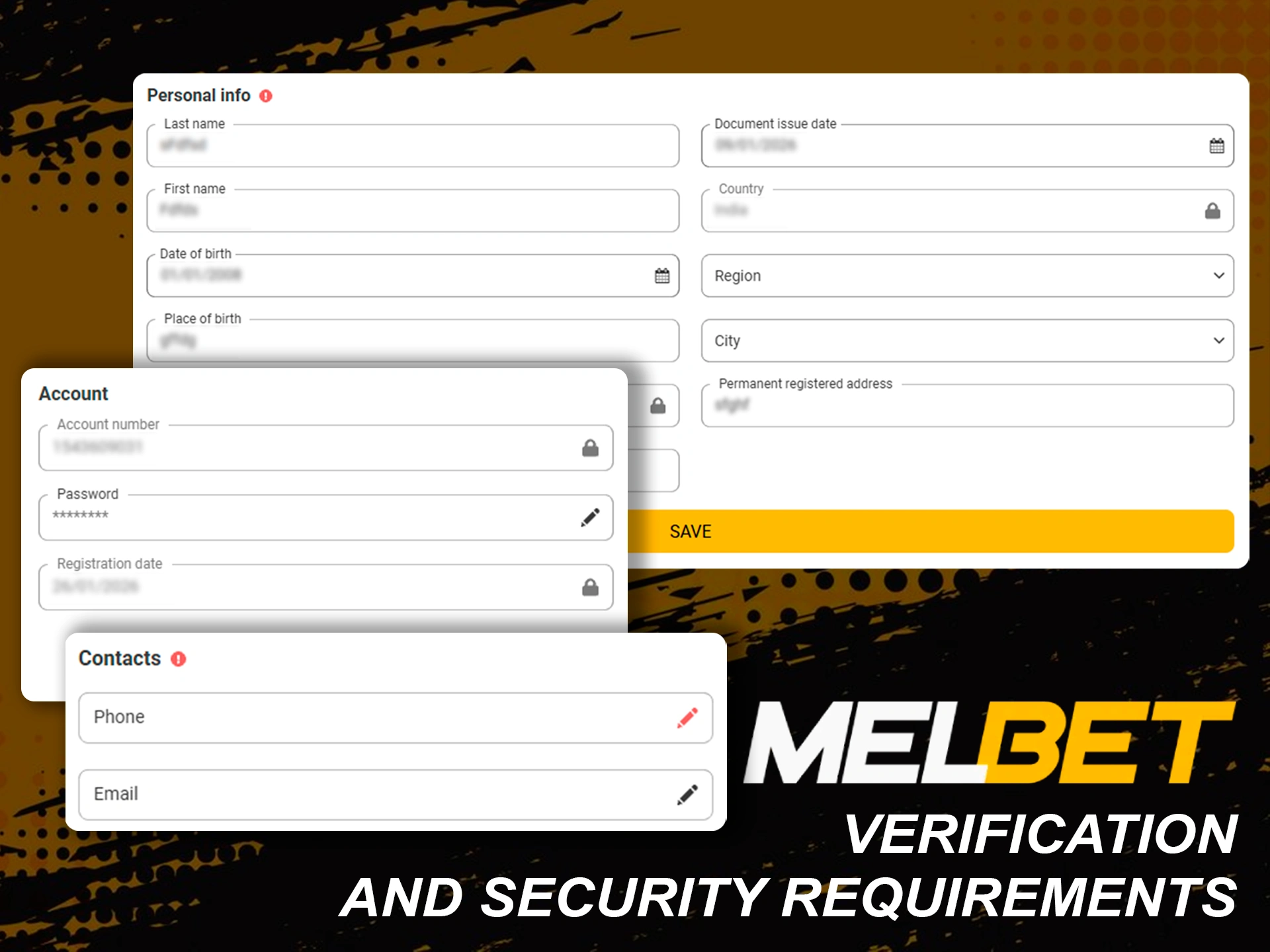
Verification and Security Requirements
Verification protects your balance, personal data, and payment activity across the platform. KYC checks confirm account ownership, reduce fraud risks, and support secure withdrawals. These steps also meet licensing and payment partner standards. Requests appear inside your account, with clear status updates and guidance. Requirements may vary by withdrawal method or payout size, and additional checks can apply for higher limits. To complete verification, you usually provide:
- Government-issued photo ID (National ID Card, passport, or driving licence)
- Proof of address with a recent date
- Phone number confirmation
- Email confirmation
- Extra documents for higher withdrawal amounts
Common Withdrawal Issues & How to Solve Them
Sometimes, payout requests may face delays or temporary errors due to security checks or payment rules. The situations below explain common reasons and practical solutions.
- Amount outside limits: adjust the sum to match method requirements
- Method unavailable: select another supported payout option such as bKash, Nagad, or crypto
- Withdrawal pending: wait for the processing time shown in your account
- Verification not completed: finish KYC steps before requesting payouts
- Unsettled bets: wait until all bets are fully settled
- Incorrect details: recheck your bKash, Nagad, or wallet information
If the issue remains after these checks, customer support can assist further.
FAQ
What is the minimum withdrawal amount on MelBet Bangladesh?
The MelBet minimum withdrawal depends on the selected payout method. For bKash and Nagad, the minimum is BDT 500. For UPay, you can withdraw from BDT 300. Cryptocurrency withdrawals start from BDT 500.
How long does it take to receive my money?
Processing time varies by method. bKash, Nagad, UPay, Skrill, and SticPay usually process within 24 hours. Cryptocurrency depends on network speed and may take longer during high traffic periods.
Are there any fees for withdrawing funds?
MelBet does not charge platform fees for withdrawals. However, payment providers or blockchain networks may apply their own charges.
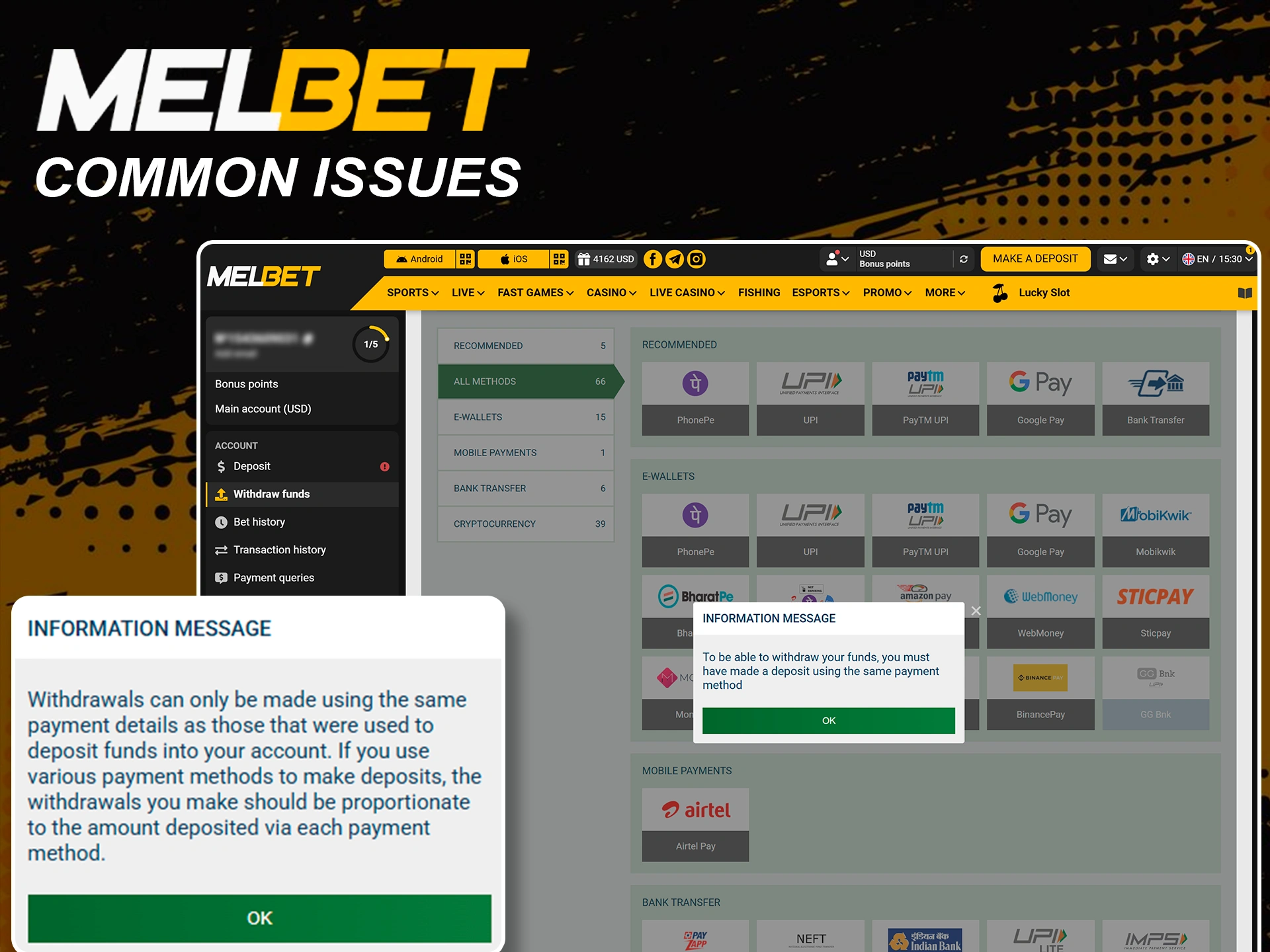
Can I withdraw using the same method I deposited with?
Yes, withdrawals usually follow the same method used for deposits. This rule supports security and compliance requirements.
Why was my withdrawal request declined?
Requests may fail due to incomplete verification, unsettled bets, incorrect details, or limits. Checking your account status or contacting support helps resolve this.
Which withdrawal method is fastest in Bangladesh?
bKash, Nagad, and UPay typically process within 24 hours. Cryptocurrency can be faster depending on network conditions but may also experience delays during peak times.
Is there a maximum withdrawal limit?
For bKash and Nagad, the maximum is BDT 20,000 per transaction. Skrill allows up to BDT 7,700,000. SticPay and cryptocurrency have no maximum limits, making them suitable for larger withdrawals.
Updated: