
Alex M.
“I place bets mostly in the evenings. The app loads markets quickly and keeps live odds updated during matches”.
The Melbet app gives access to sports betting, casino games, and account tools on mobile devices. Our platform operates under a Curaçao Gaming Authority license and supports trusted payment systems, including cards, e-wallets, and crypto. New users can activate a 100% first deposit bonus up to 100 USD after registration and phone confirmation. Download the Melbet app to place bets, manage funds, and follow events directly from your phone.

The Melbet mobile application combines betting, casino play, payments, and account control in one mobile interface with full brand functionality.
| Feature | Details |
|---|---|
| License | Curaçao Gaming Authority, OGL/2024/561/0554 |
| Developer | Pelican Entertainment B.V. |
| Supported OS | Android, iOS |
| Latest Version | Current stable release |
| Release Date | 2025 |
| Total Downloads | Over 10,000,000 |
| Cost of Download | Free |
| Installation Source | Official Melbet website |
| Languages | English, Hindi, and more |
| Supported Countries | Multiple regions worldwide |
| Welcome Bonus | 100% first deposit bonus up to 100 USD |
| Customer Support | Live chat, email, phone, contact form |
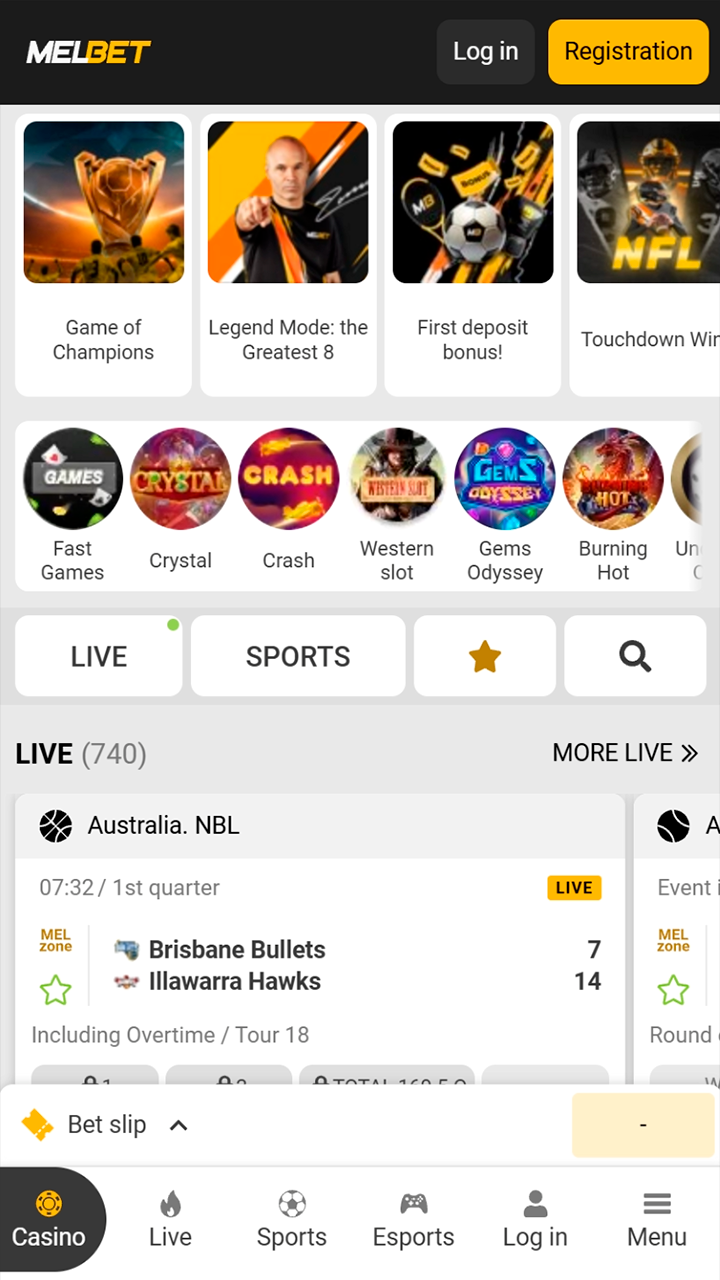
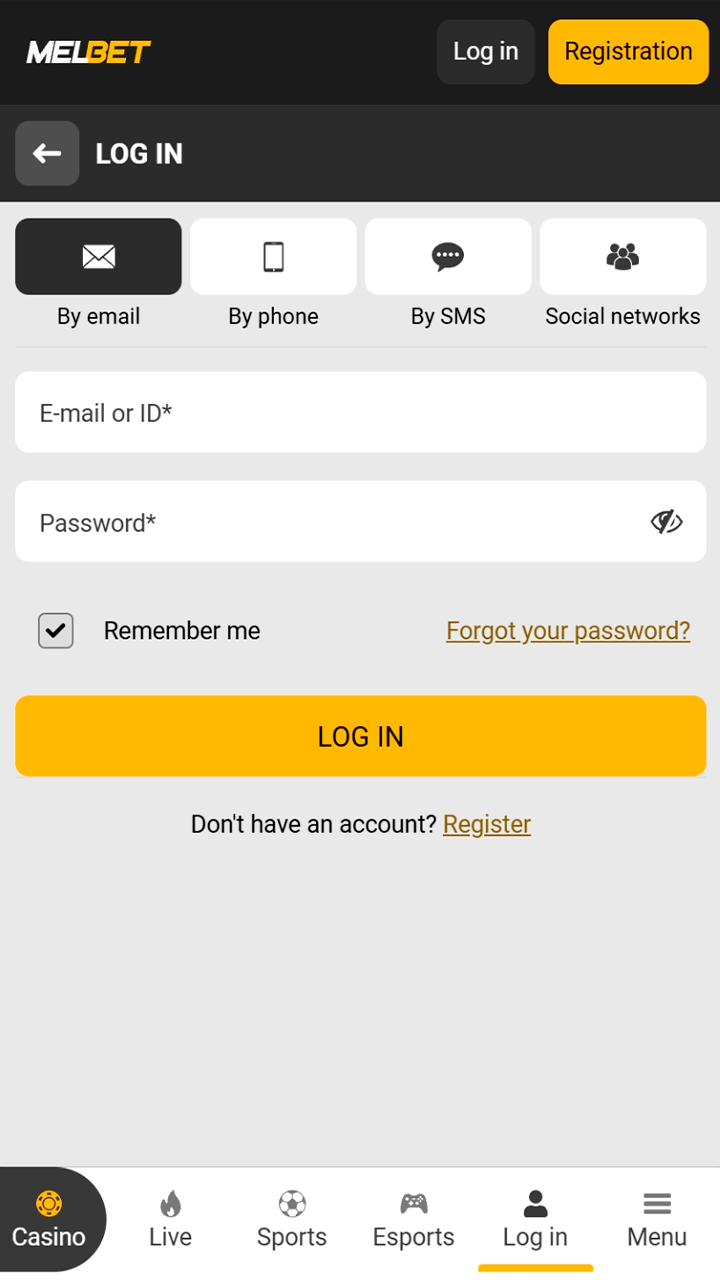
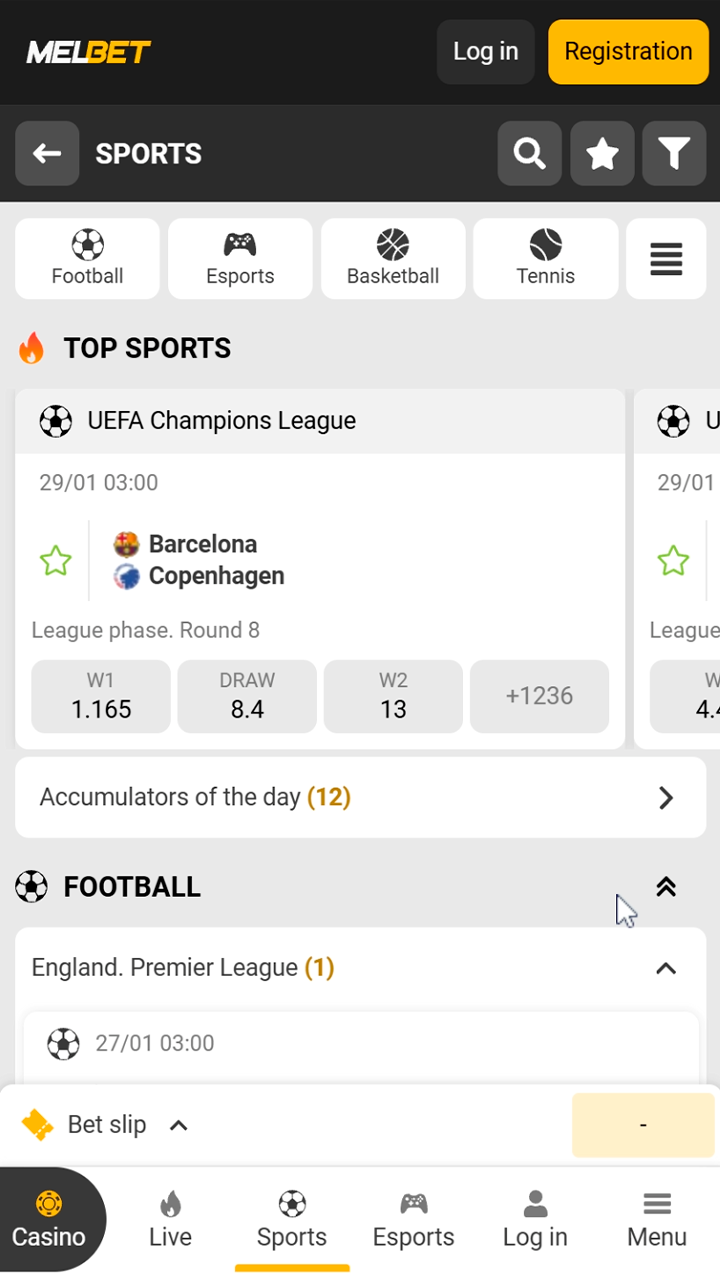


Below is a short comparison that highlights the main strengths and limitations of the Melbet mobile application based on daily use and core features.
| Pros | Cons |
|---|---|
| Biometric login support for faster account access | App availability depends on regional rules |
| Push notifications for bets, results, and bonuses | Some features require full verification |
| Weekly cashback available for bets placed in the app | |
| Full sports betting and casino access | |
| Stable performance during live events | |
| Clear payment section with many methods | |
| Android and iOS support |
The Melbet app fits users who want betting access and account control directly from mobile devices.
After installing the Melbet mobile app, you can access several bonus programs linked to sports betting and casino play. These bonuses activate through the app and follow clear rules shown in your account.
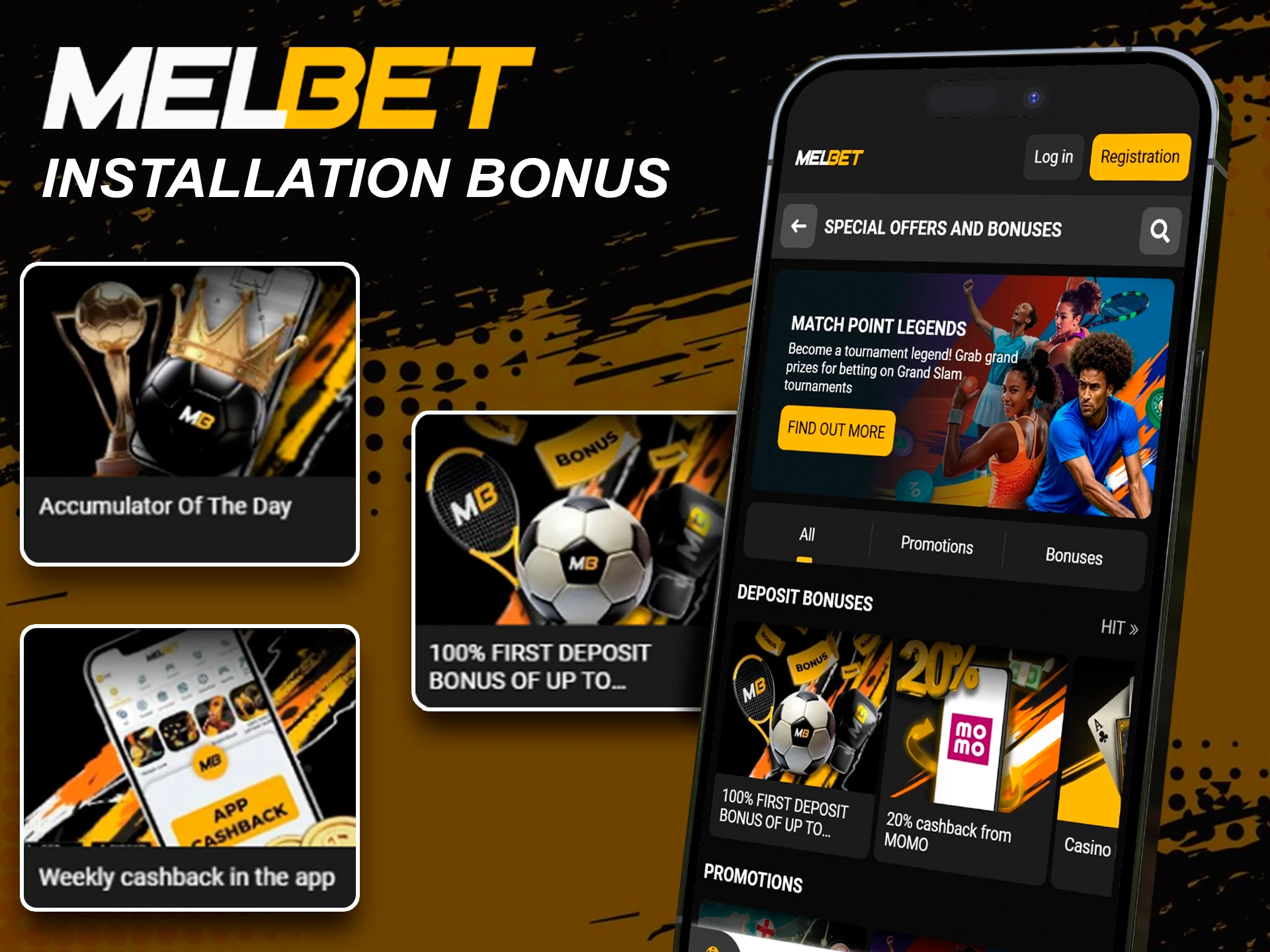
The Melbet mobile app gives direct access to betting tools and account features from one compact interface on your phone.
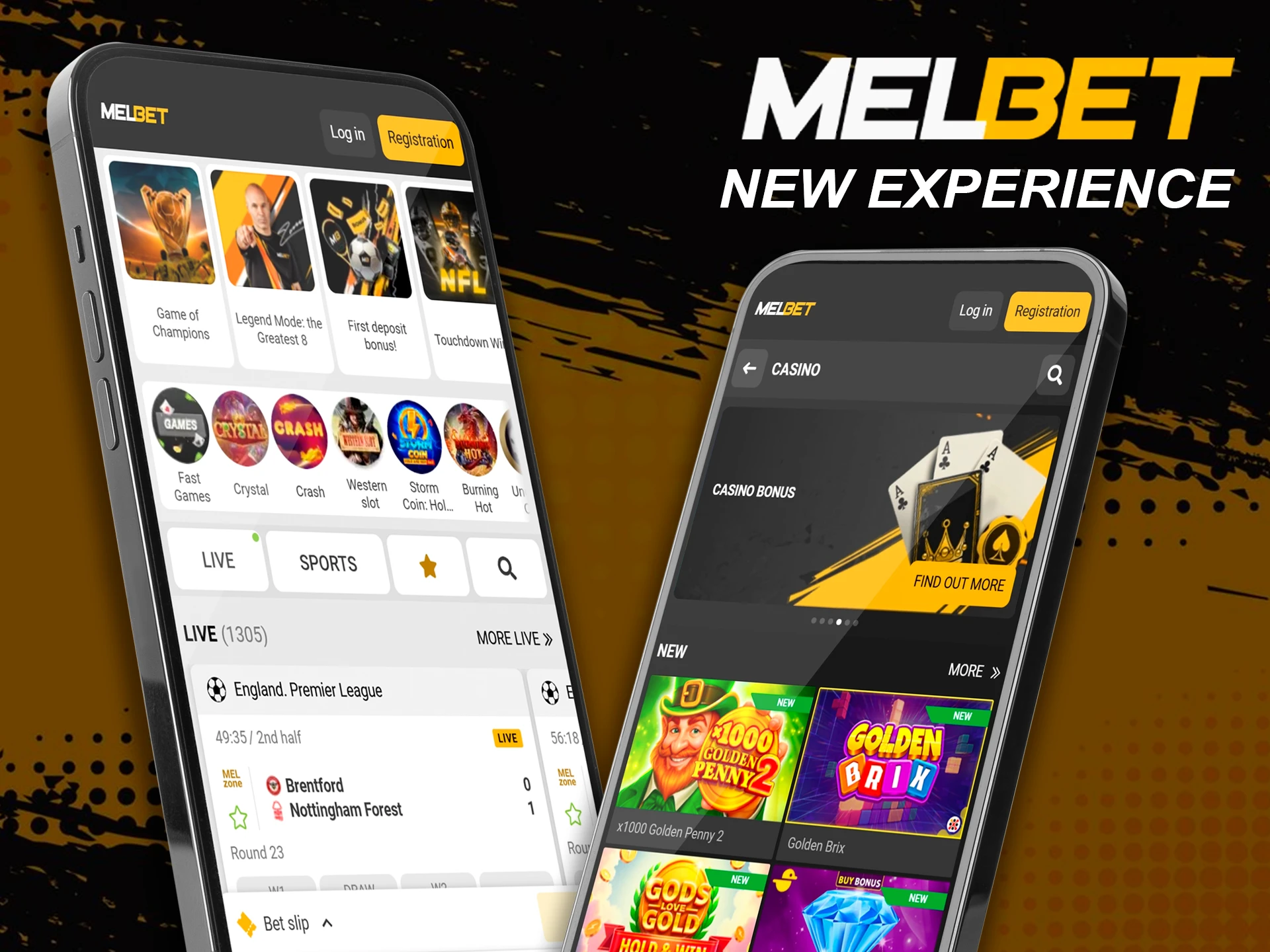
Melbet app for Android uses an APK file from our official website, so you can install the app even without Google Play Store access. The APK version supports sports betting, casino games, payments, and account tools, with the same login and bonus sections as the desktop site.
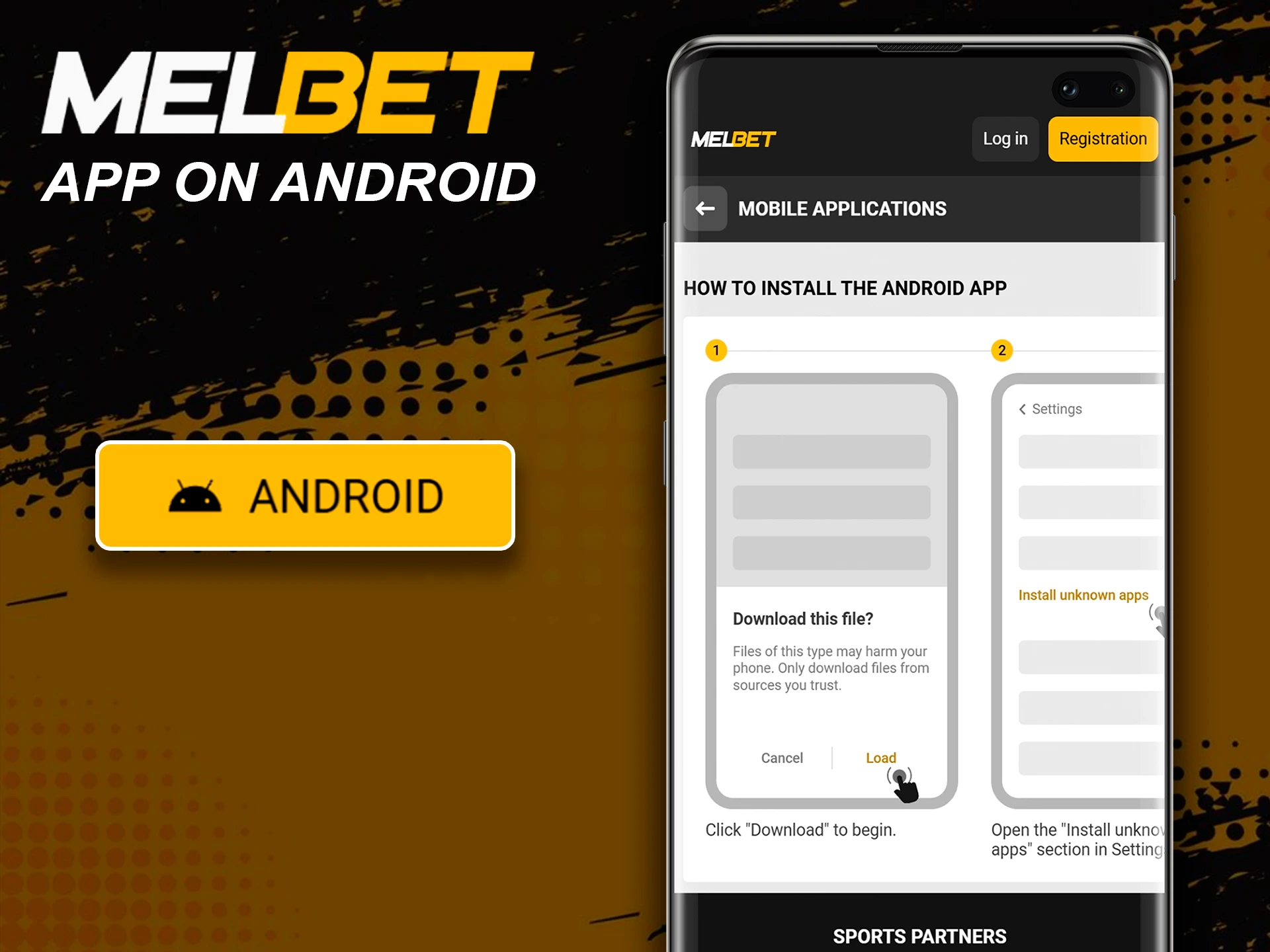
Key technical details help you check compatibility on your phone. Values may vary by device model and app updates.
| Item | Details |
|---|---|
| App Title | Melbet Android App (APK) |
| Release Date | 2025 |
| APK File Size | 70 MB |
| App Size | 100 MB |
| Android Version | Android 6.0 or higher |
| Memory | 200 MB+ free space recommended |
| RAM | 2 GB+ recommended |
| Processor | 1.5 GHz+ recommended |
Many Android models support the Melbet APK if they match Android and memory requirements. Examples include:
If your device is not listed, installation still works in most cases when Android version and free space meet the requirements.
Android users can get the APK file from the official Melbet website, not from third party sources. Google Play Store often stays the first place people check for apps, but the Melbet APK download route gives direct access through our webpage and keeps updates under the same account and security rules.
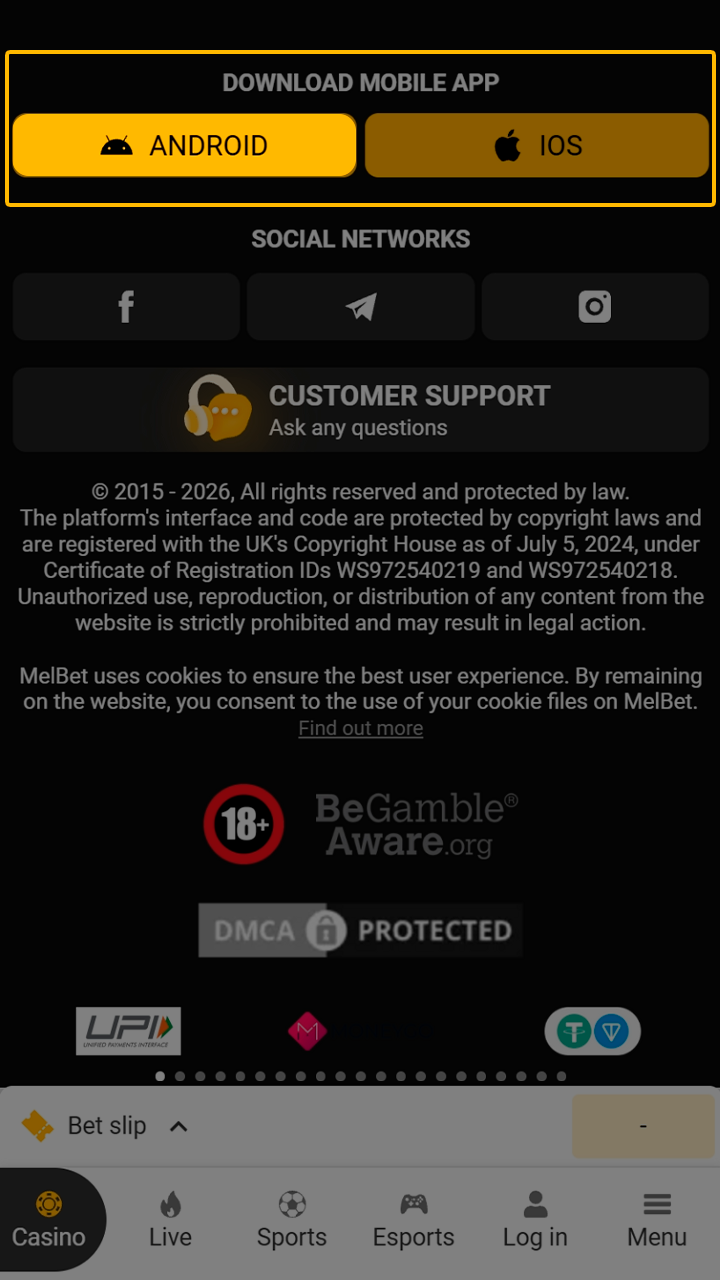
Open the Melbet website on your Android phone and scroll to the bottom right of the homepage. The app section appears there. Tap Android to open the download page, then press Download. The APK file will start downloading through your mobile browser.
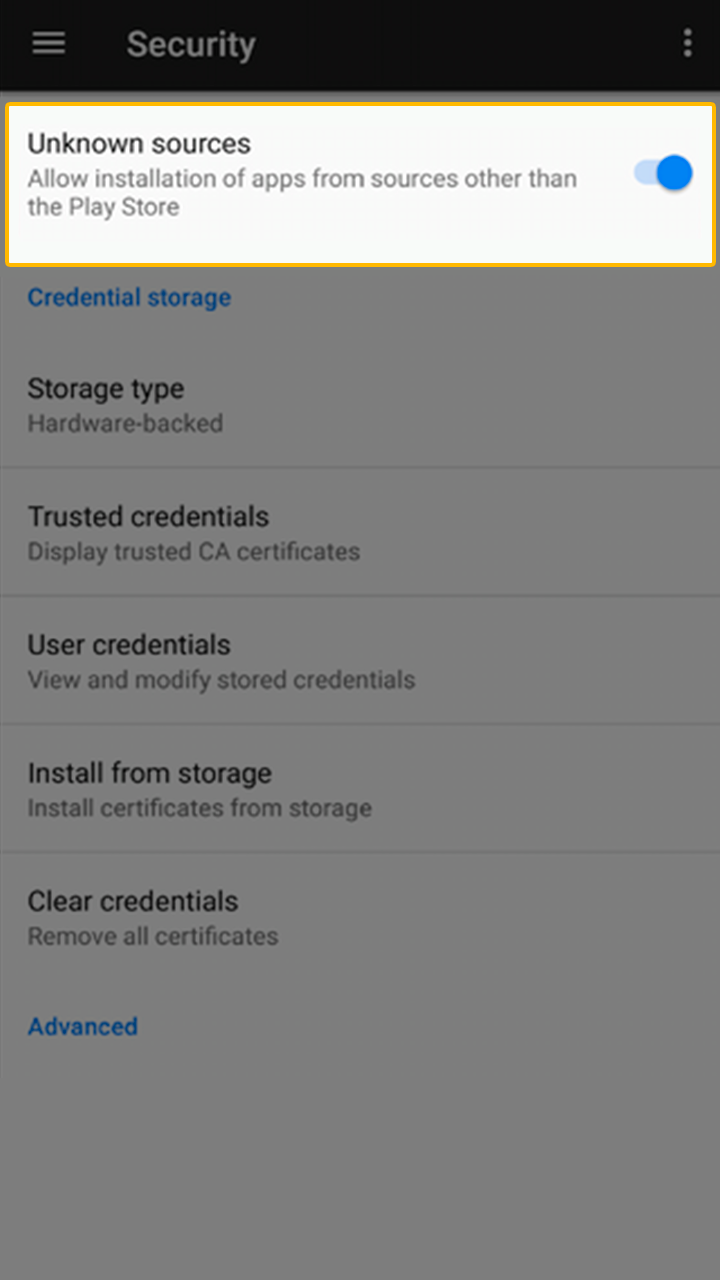
After the download starts, Android shows a system message about installing apps from external sources. Open Settings from the prompt, allow installation for your browser, then return to the APK file. This permission applies only to the selected source.
Tap the downloaded Melbet APK file and confirm installation. Once the process finishes, open the Melbet app, log in with your account details, or complete registration to access betting, payments, and bonuses.
The Melbet iOS app works on modern Apple devices and supports sports betting, casino play, payments, and account tools. System requirements stay moderate, so most iPhones and iPads can run the app without issues.
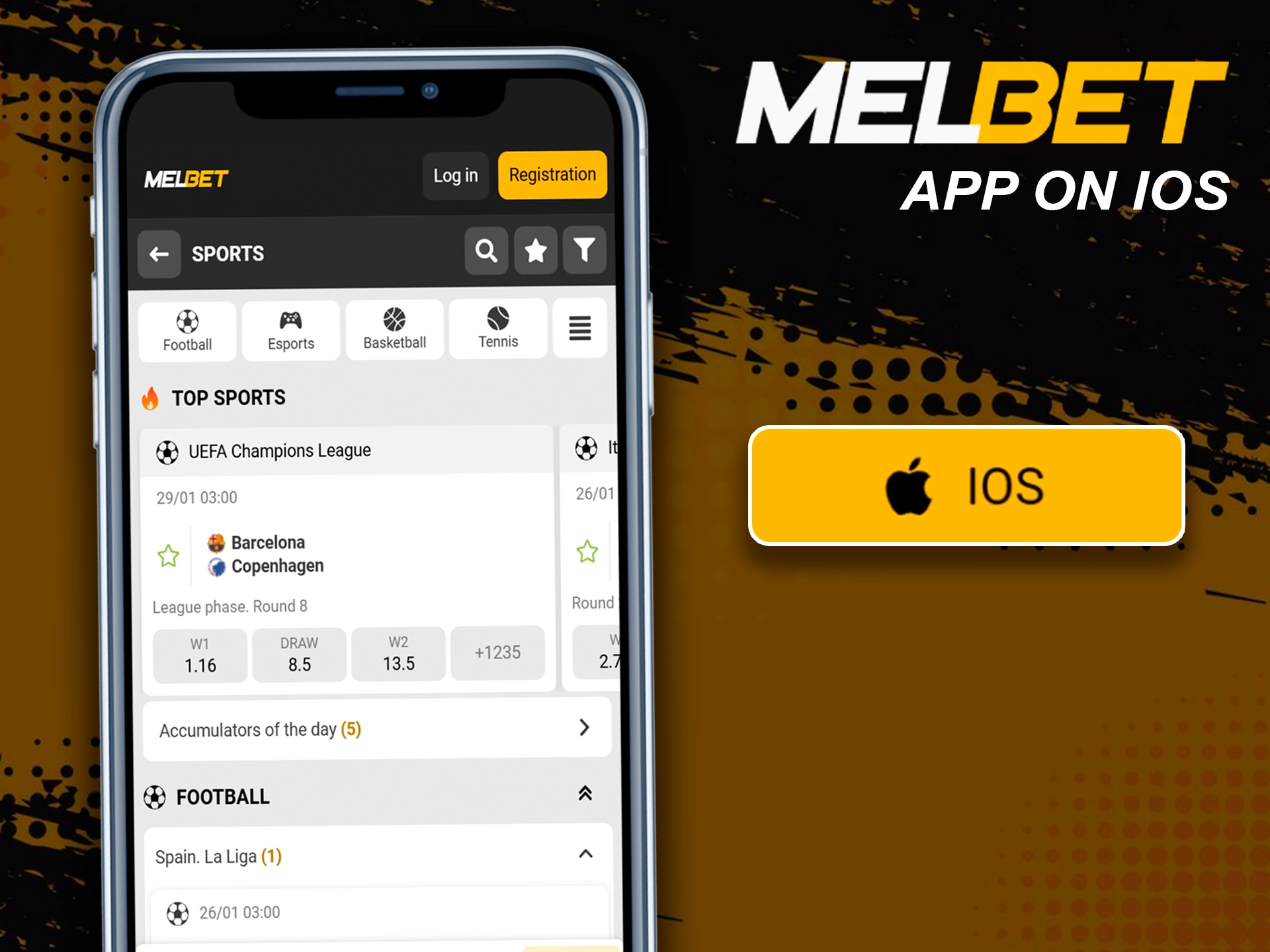
Below are the basic technical requirements for installing and using the Melbet app on iOS devices.
| Item | Details |
|---|---|
| App Title | Melbet iOS App |
| Storage Space | 200 MB+ free space |
| iOS Version | iOS 13 or higher |
| Memory | Internal device storage |
| RAM | 2 GB or higher |
| Processor | Apple A10 or newer |
The Melbet app supports many Apple devices that meet system requirements. Common examples include:
If your device does not appear on the list, installation still works in most cases when iOS version and free space meet requirements.
iOS users can download the Melbet app directly through the App Store or use the PWA version through Safari. Both options appear on the official Melbet website and provide full access to betting, payments, and bonuses.
Open the Melbet website in Safari and scroll to the bottom right of the homepage. The app section appears there. Choose iOS to open the official download page with the App Store link and PWA option.
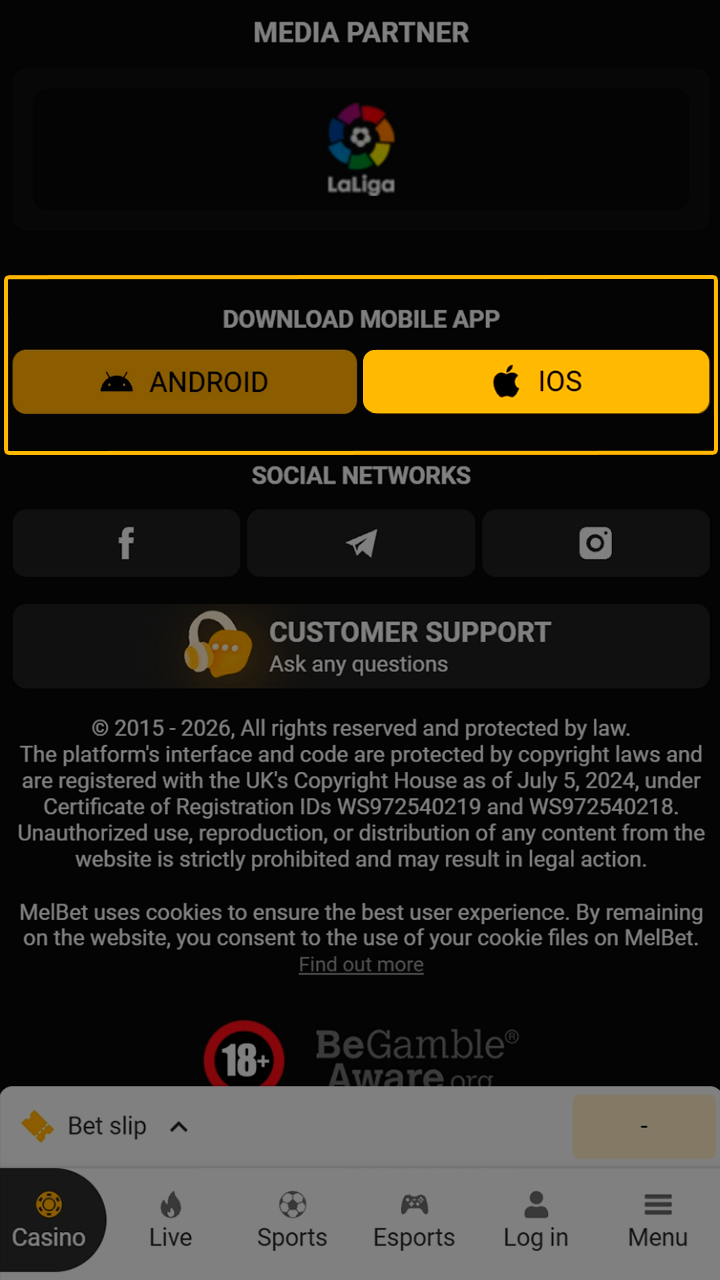
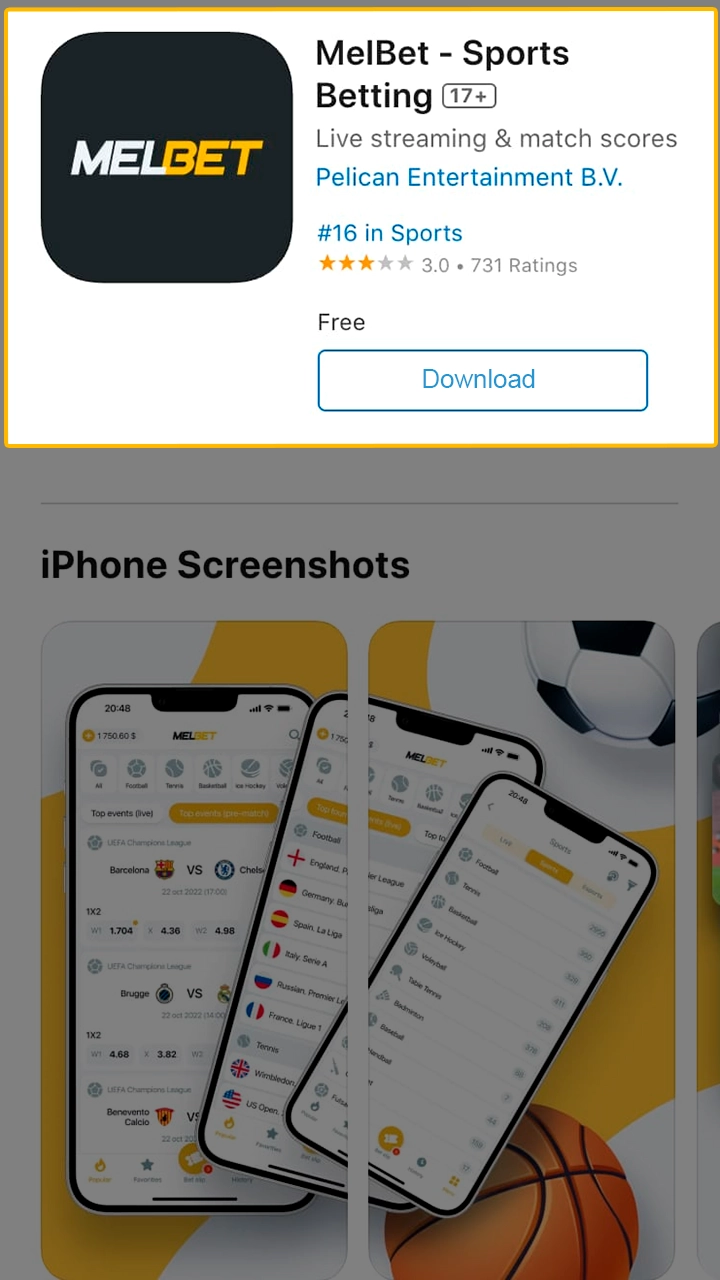
After selecting iOS, tap the Download button and open the App Store page. Confirm installation with Face ID or password. The app installs directly on your device and appears on the home screen once completed.
If App Store access stays unavailable, open Melbet in Safari, tap the Share icon, and select Add to Home Screen. The PWA version opens like an app and supports betting, deposits, withdrawals, and account access.
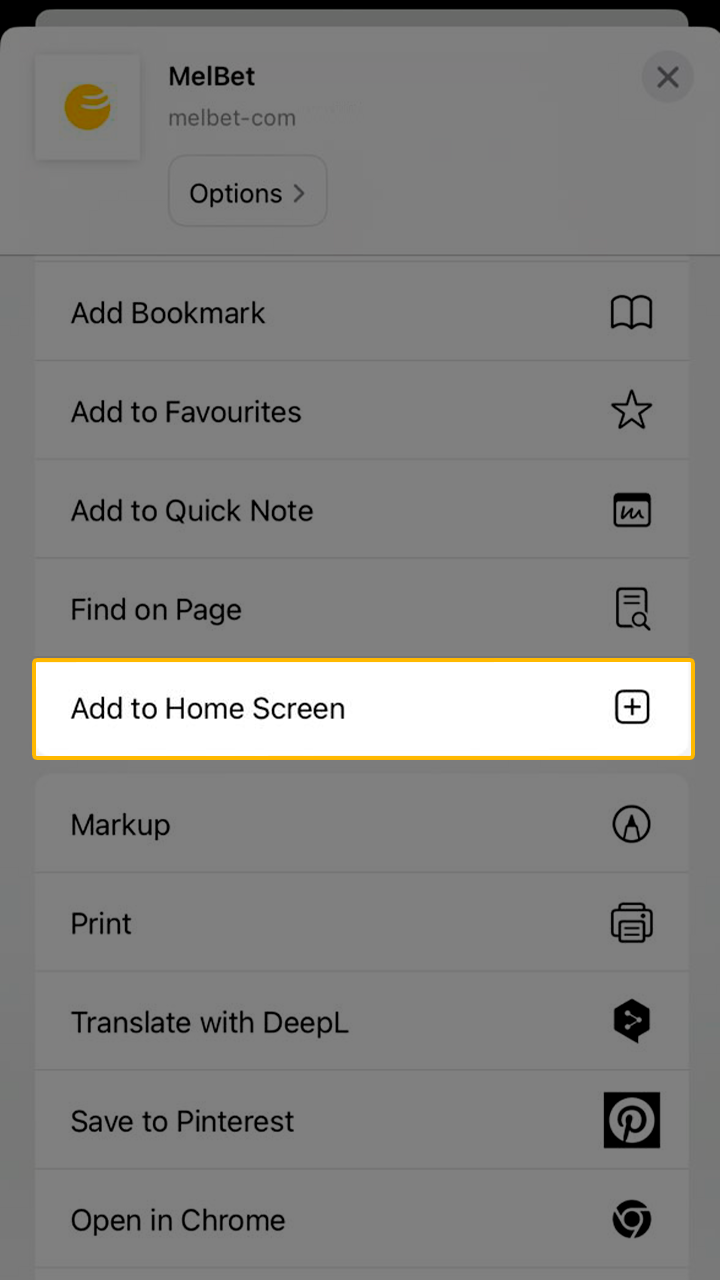
The APK installation process on Android takes only a few minutes and follows standard device steps. You download the file from the official website and complete the setup directly on your phone.
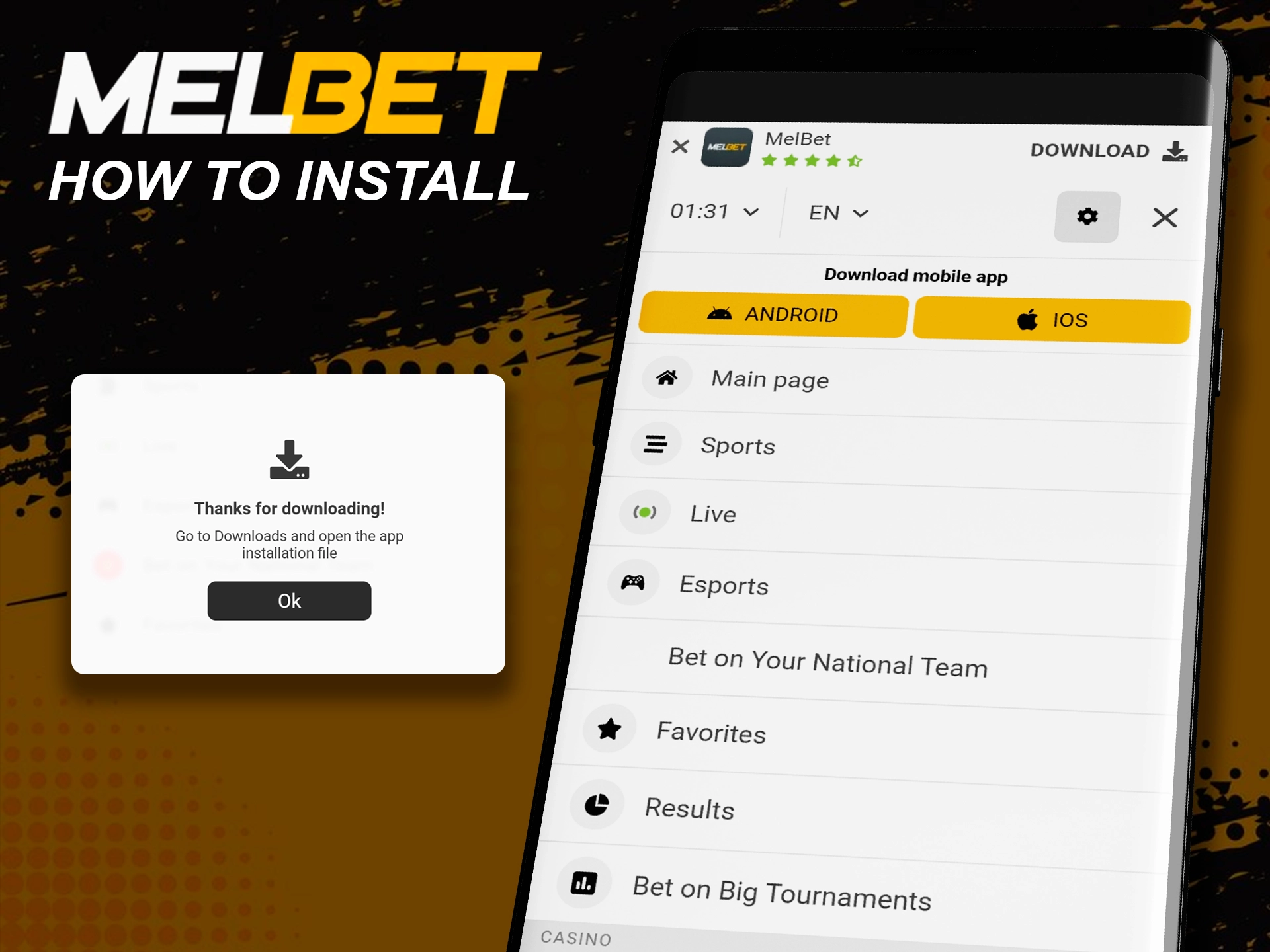
Keeping the Melbet app updated helps maintain access to new features, security fixes, and stable performance. Updates also add support for new payment methods, betting markets, and bonus sections.
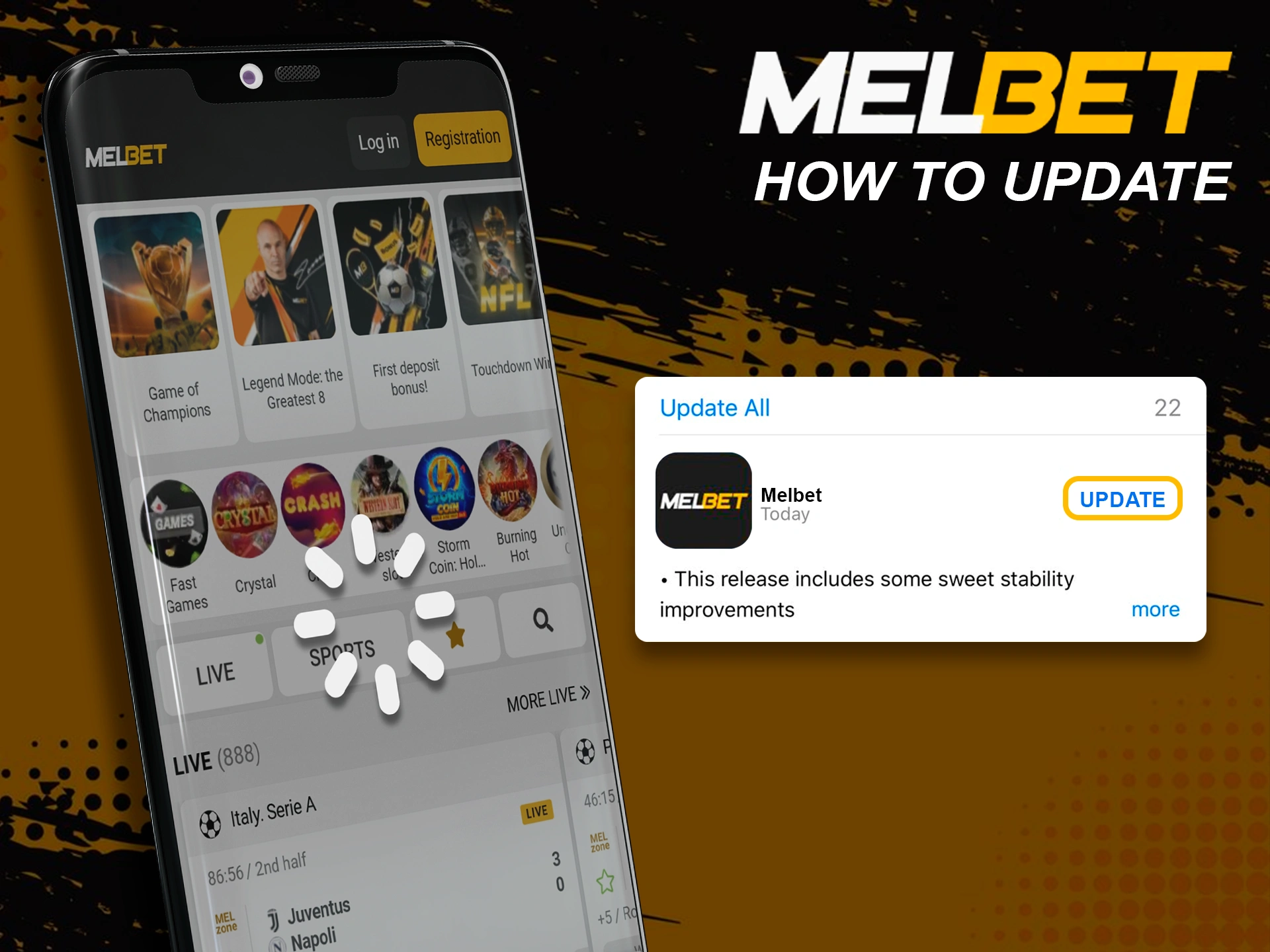
A new Melbet account through the mobile app takes only a few minutes and follows the same flow as the website. Registration starts from the Registration button, then you choose a sign up method, set country and currency, select a bonus, and confirm access. Social media login also remains available.
The Melbet mobile website gives full platform access without app installation.
The mobile version opens directly in your phone’s browser and does not use device storage, since no files need downloading. You can place sports bets, enter casino sections, manage deposits and withdrawals, and check account details. Access works through Safari, Chrome, or other mobile browsers, with menus adapted for smaller screens and touch navigation.
The table below compares the Melbet mobile app with the mobile website to help you choose the preferred option.
| Feature | Mobile App | Mobile Website |
|---|---|---|
| Installation | Requires app download | No download required |
| Storage usage | Uses device memory | No storage usage |
| Access speed | Faster after install | Depends on browser speed |
| Notifications | Push notifications available | Browser notifications limited |
| Offline access | App opens without internet | Internet required |
| Updates | Manual or store updates | Automatic via website |
Both options provide full betting and casino access, so the choice depends on storage space, notification needs, and update preferences.
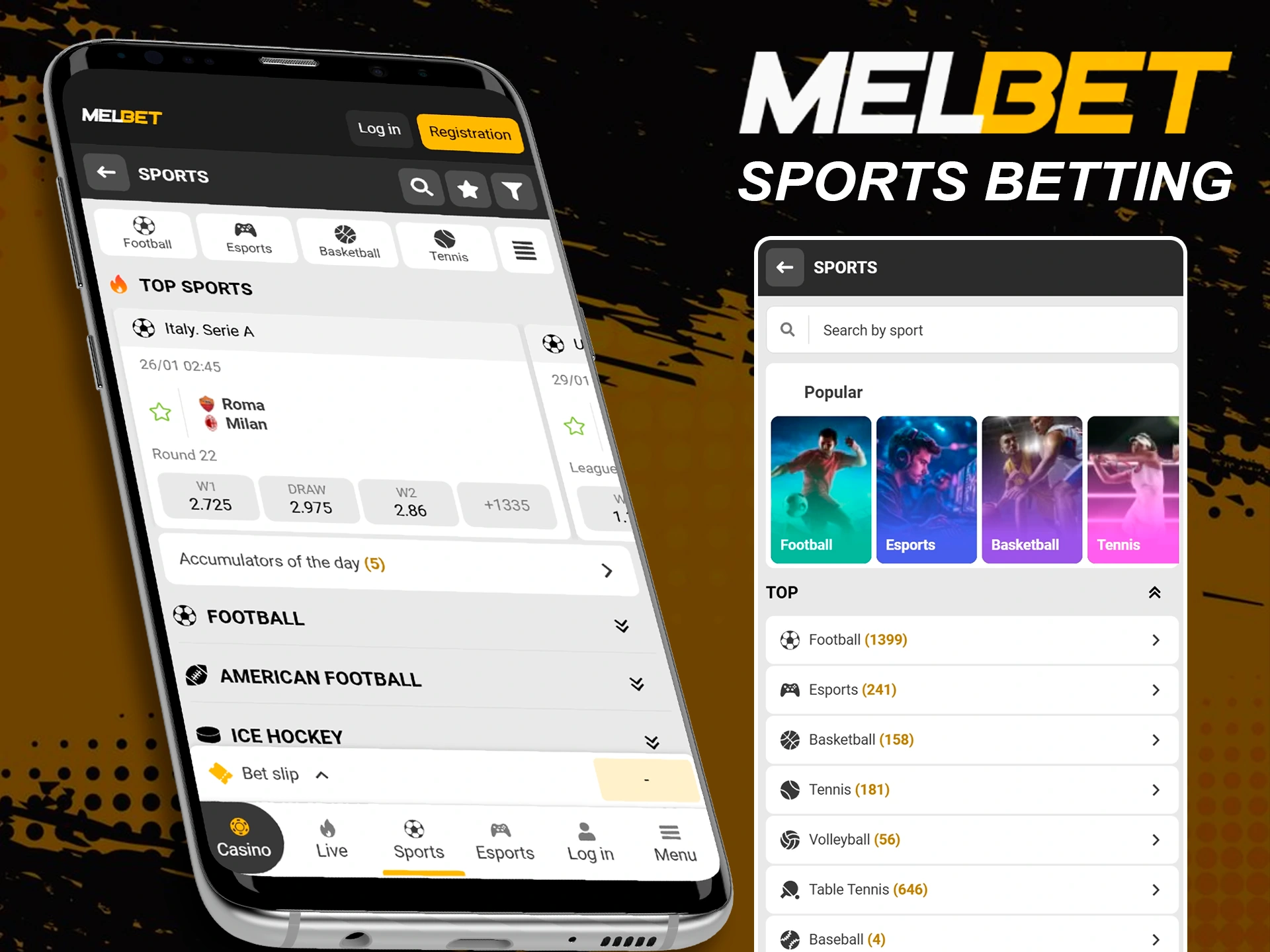
Melbet’s sports betting app lets you place wagers on many disciplines right from your phone, with quick access to markets and live odds.
You can choose from a wide range of sports and events, check stats, follow live matches, and place different bet types without switching screens.
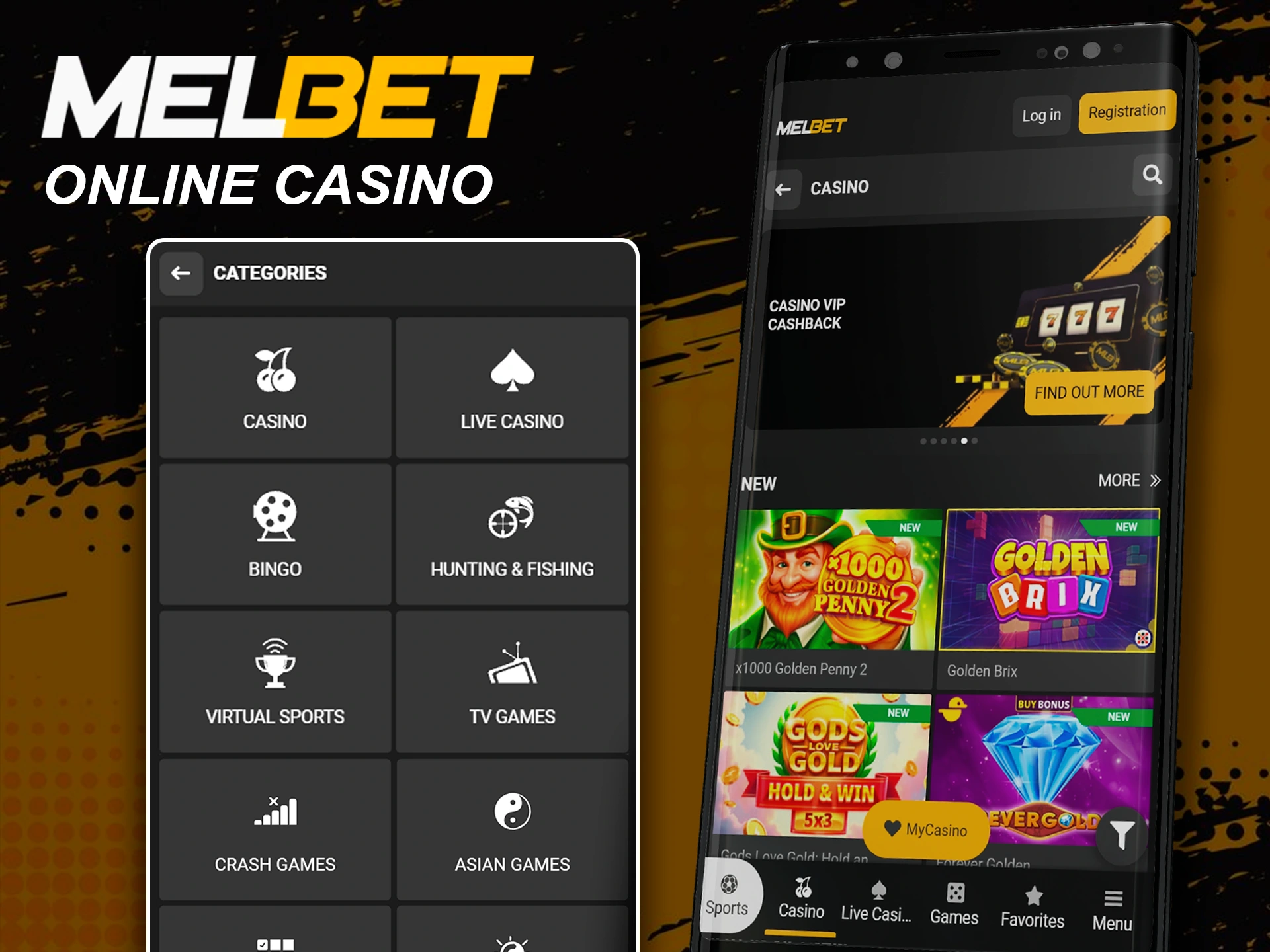
The Melbet app includes a full casino section with structured navigation and clear filters. The casino area lets you browse games by collections, mechanics, features, and themes. Filters help narrow results by slot type, gameplay logic, or bonus features. You can switch between categories quickly and open games in real mode or demo mode, depending on availability.
Casino sections available in the app include:
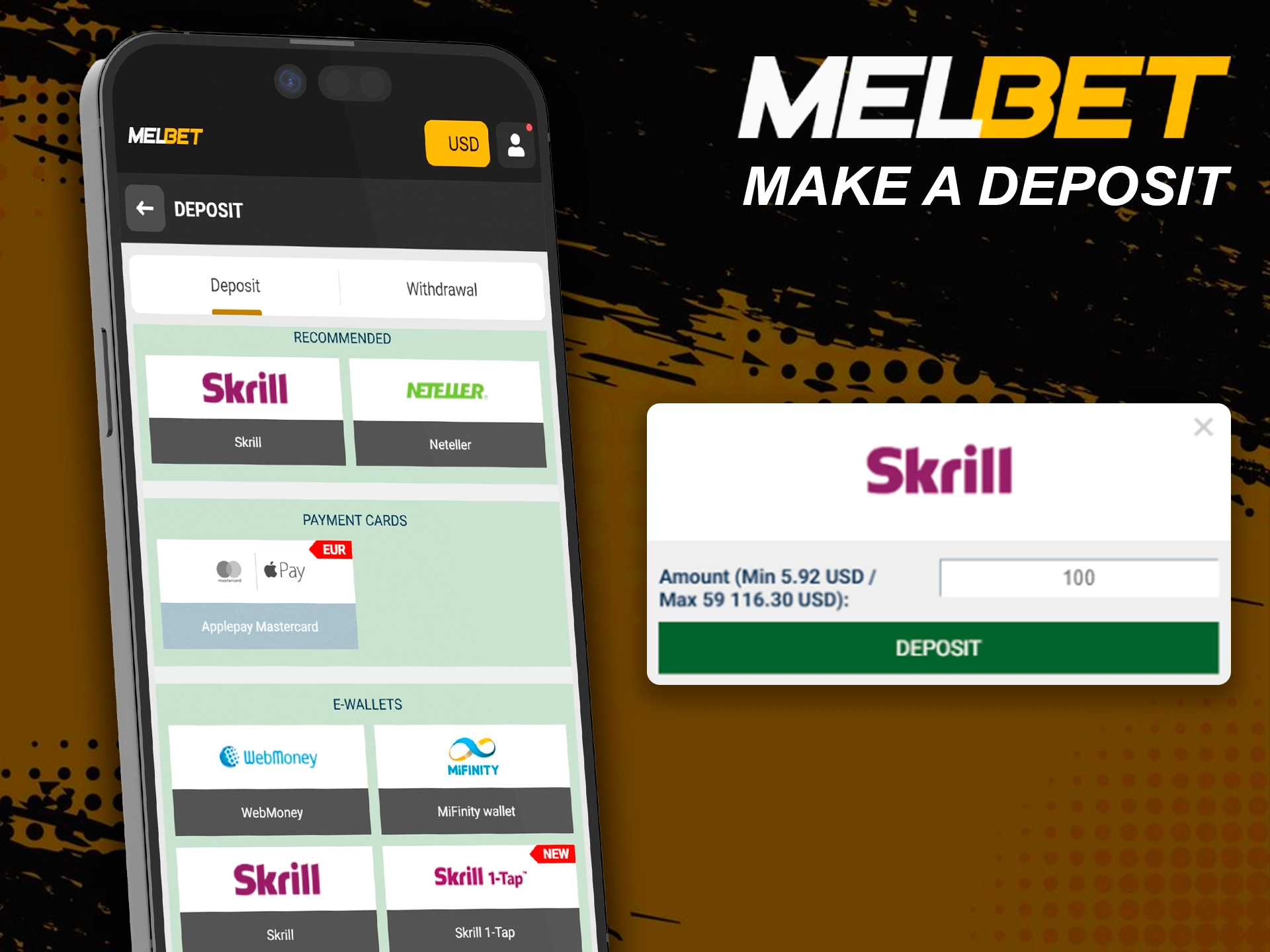
The Melbet mobile app supports deposits and withdrawals directly from your account section. You can fund balance, request payouts, and track transaction status without leaving the app. Payment options cover local methods, e wallets, bank transfers, and digital coins, with limits shown before confirmation.
Funding your Melbet balance through the mobile app takes only a few actions and uses the same payment systems as the website. All deposit options appear inside your account, with limits and fees shown in advance.
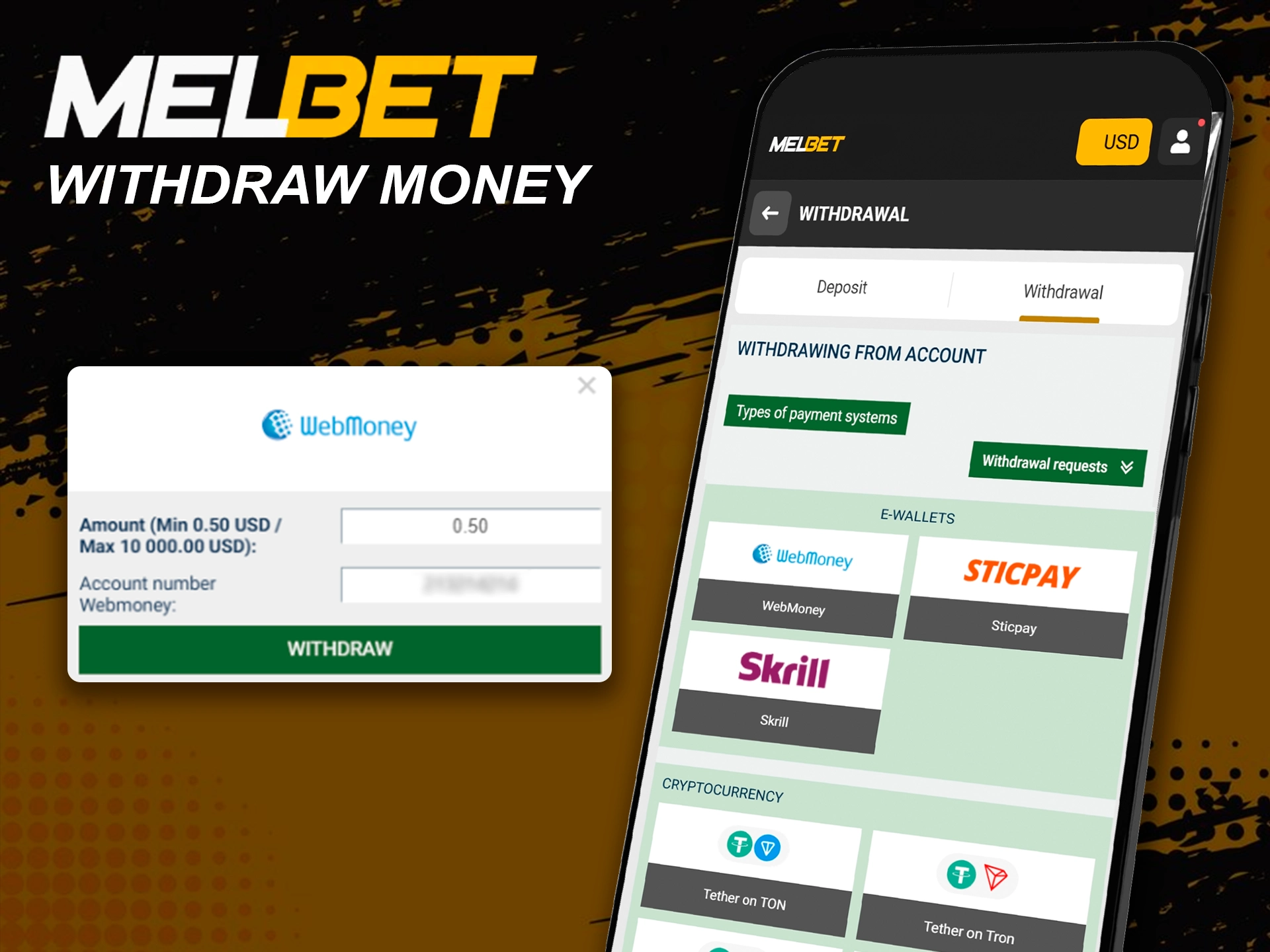
Withdrawals through the Melbet app follow a structured flow and support many local and international methods, including digital coins. Access depends on account status and completed verification.
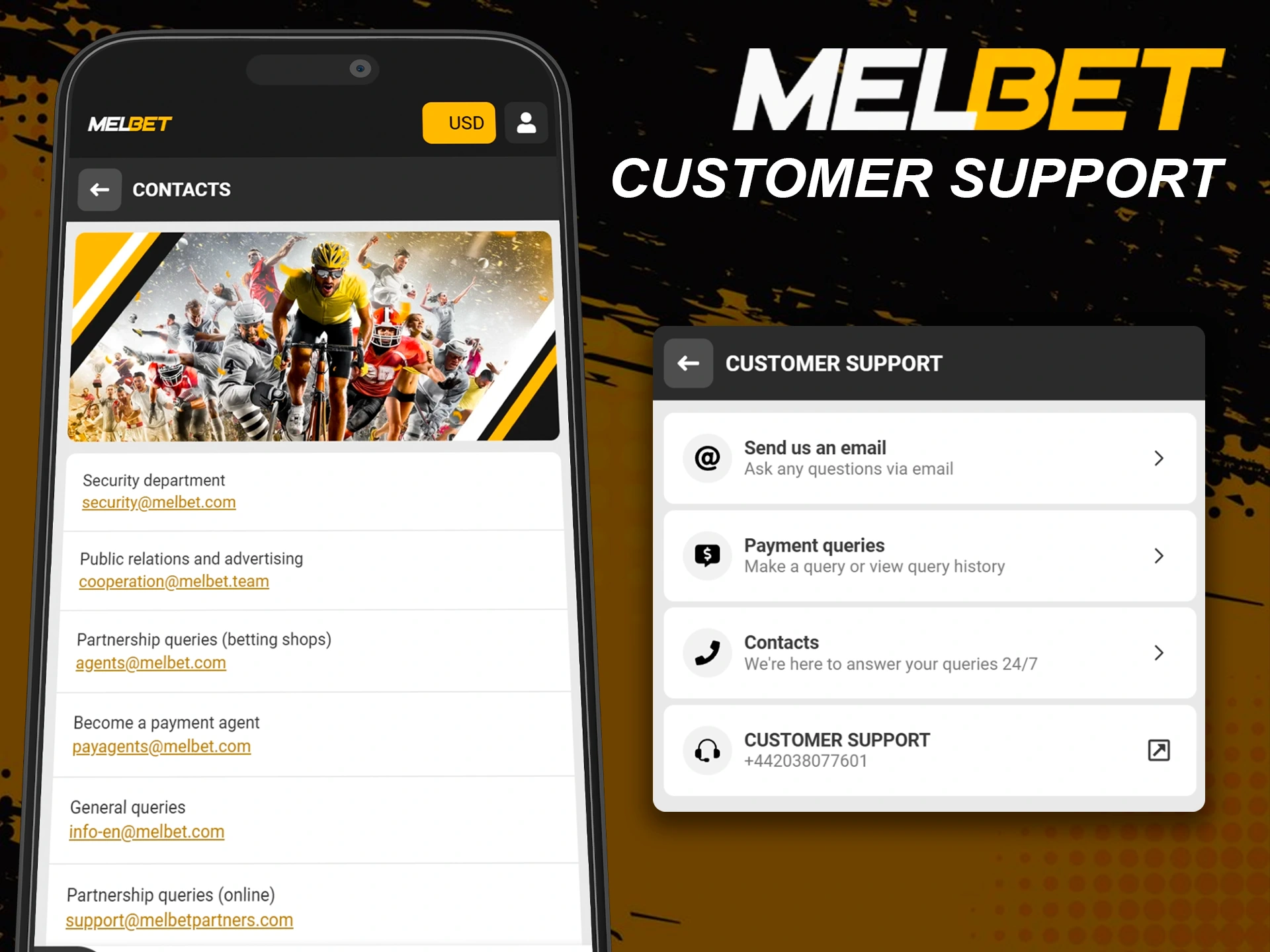
The Melbet app includes direct access to customer support for account, payments, verification, and technical questions. Support tools appear inside the app menu, so help stays available at any time.
You can use Live Chat for quick replies, send messages through the contact form, or email [email protected] for general requests. Phone support works via +44 203 807 7601. Melbet also stays active on Twitter, Instagram, and Facebook for updates and communication.
The app gives access to sports betting, live events, slots, table games, live casino titles, fast games, and esports markets. Game availability depends on your region and account status.
All transactions run through the account section. You can choose local payment methods, e wallets, bank transfers, or cryptocurrency, with limits shown before confirmation.
The app uses encrypted connections, account verification, and optional biometric login. Regular updates support stable operation and protect personal data.
Yes, support works directly inside the app through live chat, contact forms, email, and phone assistance.
Updated: